Article summary generated by AI — it may contain errors.
Table of contents
The term smart display can refer to solutions with very different capabilities. Depending on their architecture, they may provide user-interface intelligence, application intelligence or computational intelligence, including local AI functions. What distinguishes these three levels, and when should each of them be used?
There is no single, precise technical definition of a smart display. The term may describe a module equipped with a graphics controller, such as one from the EVE family, a panel with its own microcontroller and GUI development environment, or a complete HMI platform incorporating an application processor, operating system and NPU.
The differences between these classes extend beyond performance. They also involve system architecture, the way the graphical user interface is developed, the division of tasks between the HMI module and the host unit, and the range of functions performed locally. Before selecting a solution, it is therefore important to determine what type of intelligence the application actually requires.
What Does Display Intelligence Mean?
In the traditional embedded-systems sense, a smart display is a module that does more than simply present a ready-made image. An additional controller, typically located on a separate PCB, together with onboard memory, graphics functions and touch-panel support, enables the module to take over some of the tasks normally handled by the main microcontroller. In this context, intelligence primarily means the ability to perform selected human–machine interface functions independently. The module may generate buttons, indicators and charts, display animations, handle touch input, store graphical assets and, in some cases, execute simple screen logic.
Today, however, the term “smart” is increasingly associated with artificial intelligence. Users may therefore expect a device to analyse camera images, classify events, detect specific anomalies or perform other tasks using machine-learning models.
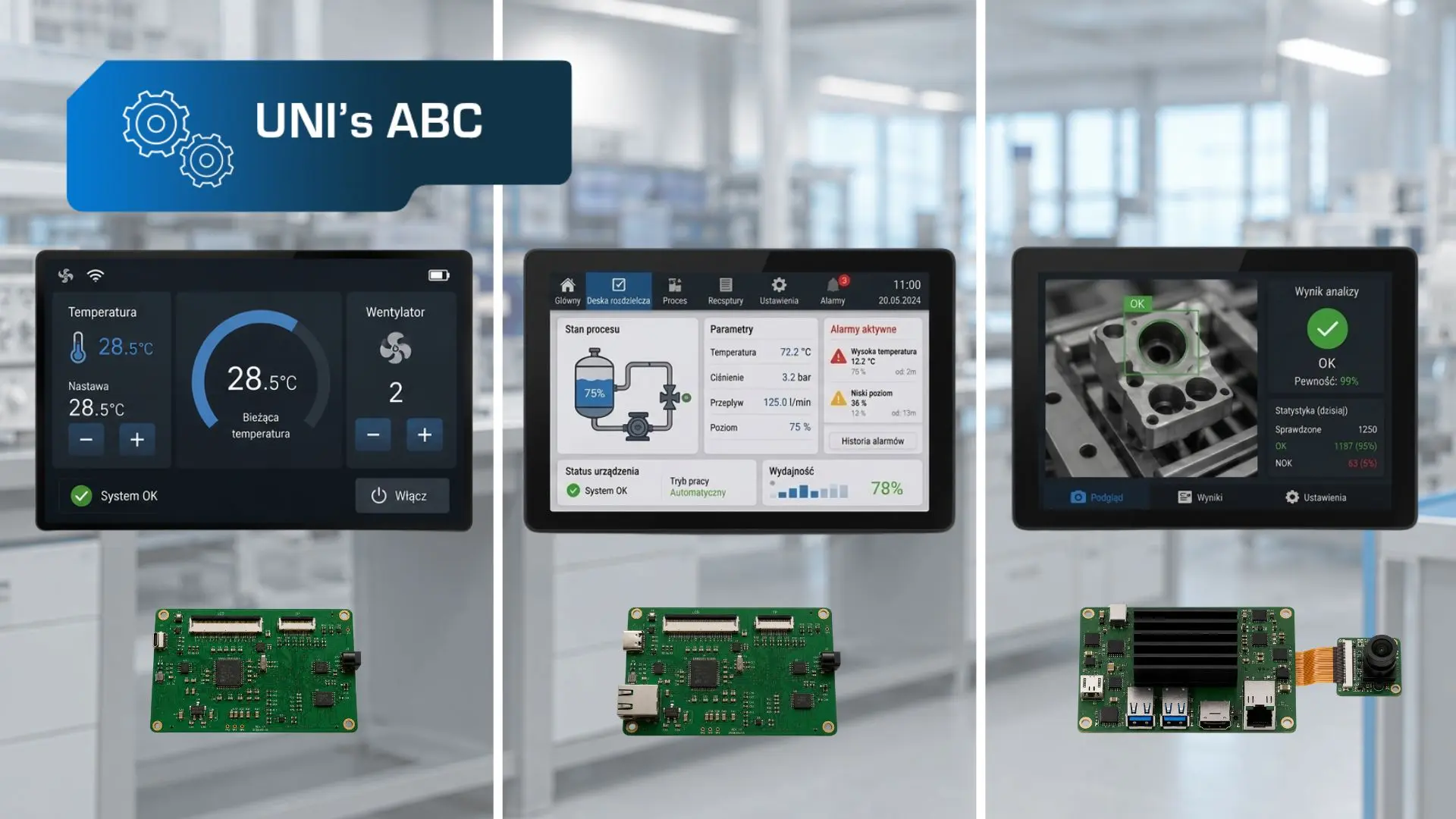
It is therefore useful to distinguish between three levels of display intelligence. The first is user-interface intelligence, which covers graphics generation and the handling of widgets, touch input and sound. The second is application intelligence, which includes an onboard GUI – Graphical User Interface – screen transitions, event and variable handling, and communication with the host device. The third is computational intelligence, associated with local processing of data, images or sound, including AI model inference.
This distinction helps clarify the terminology and separates, for example, displays with graphics controllers from HMI displays equipped with an NPU. However, the boundaries between these classes are not always clear-cut. Manufacturers use their own architectures, development tools and programming models, which means that products described as smart displays may offer very different levels of autonomy.
Standard LCD-TFT Modules – Displaying an Image Without Creating It
The starting point is a standard LCD-TFT. It contains the display matrix, an integrated TFT controller, power circuitry, a backlight and, in some cases, additional electronic components. It may also be integrated with a resistive or capacitive touch panel.
Such a display does not create the user interface independently. It presents an image supplied by the host unit through an interface such as RGB, LVDS, MIPI, or eDP. The microcontroller or computer generates the graphics, stores the graphical assets, handles touch input and manages screen transitions. Depending on the resolution and complexity of the interface, this may require a sufficiently powerful processor, adequate memory and additional electronic circuitry.
This does not mean that a standard LCD-TFT is an inferior solution. It may be the best choice when the manufacturer wants to retain full control over the software, interface design and overall system architecture. This approach is often used in high-volume projects because the cost of developing the electronics and software can be distributed across a large number of devices, while design optimisation helps reduce the unit cost. It provides considerable design freedom but also places responsibility for developing the HMI layer on the device manufacturer.
Modules with a Graphics Controller – User-Interface Intelligence
The next group consists of modules equipped with a dedicated graphics controller. One example of this architecture is Bridgetek’s EVE family, which includes the BT817.
EVE integrates graphics-generation and touch-control functions and also supports audio playback. The main microcontroller does not need to render the entire screen or transmit a complete image frame by frame. Instead, it sends commands describing individual interface elements. Based on these commands, the controller generates buttons, sliders, indicators, text and animations, reducing both the load on the host unit and the amount of transmitted data. The microcontroller can therefore handle process control, sensor operation and communication with other devices in the system. This type of architecture is well suited to applications such as machine operator panels.
This level of autonomy can be described as user-interface intelligence. The module handles the HMI layer but does not take over application logic or local AI processing.
Modules with an Autonomous GUI Environment – Application Intelligence
The next level comprises modules equipped with their own microcontroller, memory and environment for developing and running the user interface.
Unlike the solutions described above, the module’s memory may contain a complete interface project, including screens, buttons, graphics, variables and relationships between individual elements. The main controller primarily sends data and commands, such as temperature, measurement results, alarm status or operating-mode information. The module then presents the values in the appropriate fields, refreshes charts, changes icon states and manages transitions between screens.
One of the key advantages of this class of products is the way in which the GUI is developed. Manufacturers provide graphical tools that allow interface elements to be dragged and dropped onto the screen. Individual objects are selected from a library, after which their appearance and functionality can be configured. This makes it possible to create a basic interface without manually programming every object. In simpler projects, a significant portion of the work can therefore be handled by a hardware designer, without the continuous involvement of a programmer. Programming support remains necessary for communication integration, complex logic and non-standard functions, but the required level of involvement can be lower. This architecture also makes it easier to develop and modify the interface independently of the device’s main software.
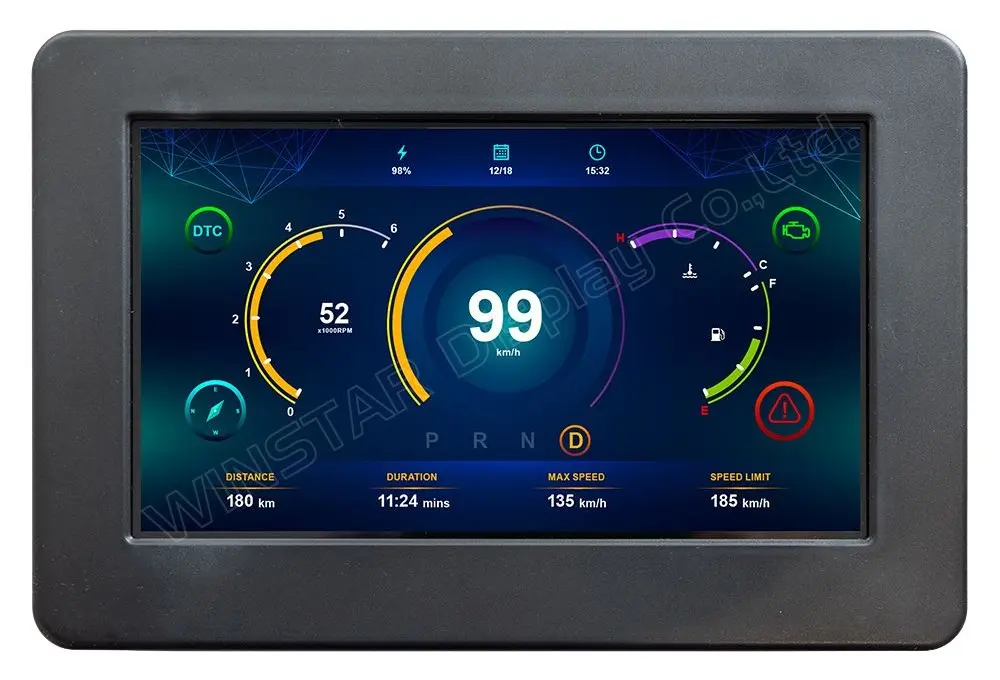
One example is Winstar’s 7-inch WL0F0007000A8GAADSK00 model from the Smart Display series. It is not a standard open-frame LCD-TFT module, but a complete HMI panel incorporating an STM32F746 microcontroller, a capacitive touch panel, CAN communication and an IP54-rated enclosure. These features make it well suited to many industrial applications in which resistance to interference and protection against dust and water ingress are important. The Winstar smart display described above is an example of application intelligence. It manages the HMI layer independently but does not provide the functions typical of AI platforms and does not use an NPU.
HMI Displays with AI Functions – Computational Intelligence
A smart display can be considered intelligent in a sense directly related to artificial intelligence only when the platform includes an application processor and an NPU.
One processor designed for this type of application is the NXP i.MX 8M Plus. It combines Arm Cortex-A53 cores, a Cortex-M7 real-time core, a graphics processor, multimedia-processing functions and an integrated NPU with performance of up to 2.3 TOPS. It also provides camera interfaces and the resources required for local image analysis. Thanks to its extensive hardware capabilities, the processor is used at the heart of many ready-made modules, including SoMLabs’ SpaceSOM-8Mplus. The module provides the resources required to run an operating system, advanced HMI applications, multimedia and local AI functions. It can be used with the SpaceCB-8Mplus-ADV carrier board or integrated with electronics developed specifically for a particular device.
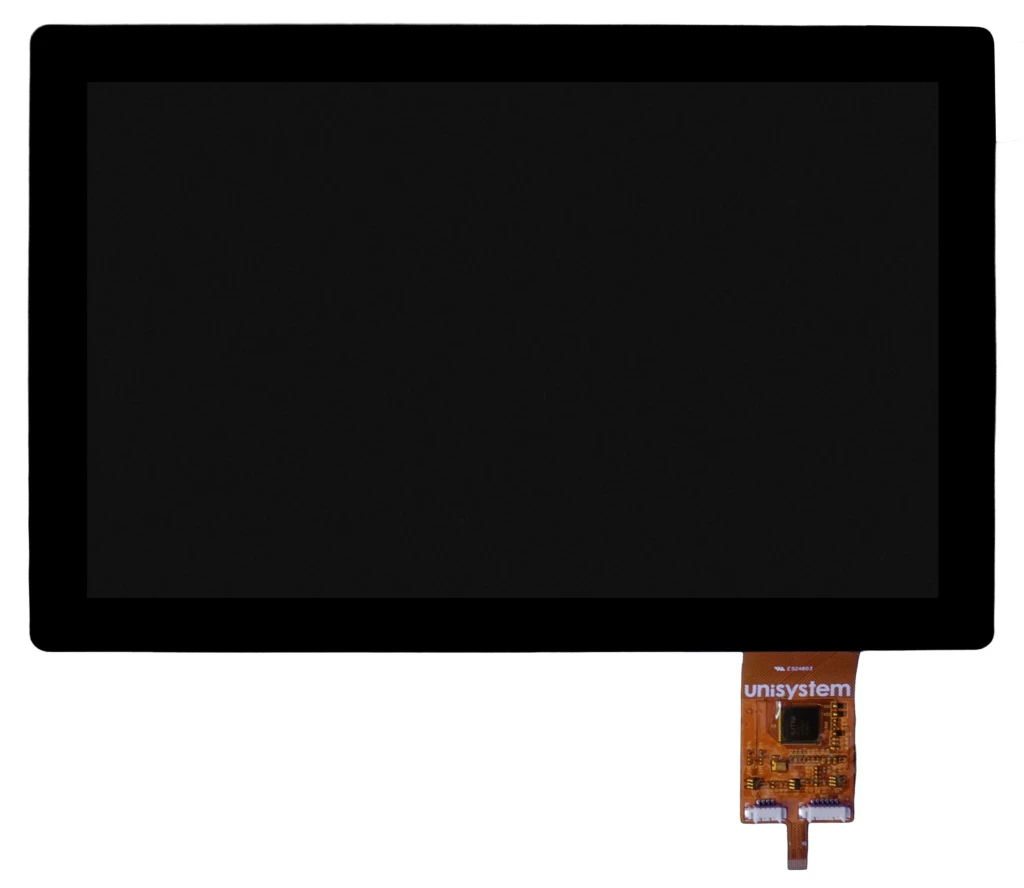
In most projects, this hardware base must be complemented by a suitably selected display. One option is to use Unisystem’s Lite, Core or Pro LCD-TFT module. They are available in 7-, 10.1-, 12.1-, and 15.6-inch sizes, including variants with touch panels and protective glass assembled using optical bonding. The division into product lines reflects their intended applications. Lite is designed for indoor devices under stable conditions, Core represents the industrial standard, while Pro is intended for outdoor devices, including those operating in demanding environmental conditions. Selecting the appropriate variant makes it possible to adapt the visual layer of the platform to the operating environment, user interaction method and mechanical design of the device.
Close cooperation between Unisystem and SoMLabs makes it possible to combine technologies developed in Poland into an HMI platform with AI capabilities. The complete system can be tailored to the requirements of a specific application – from the display parameters and mechanical design to the computing layer, operating system and software.
In this configuration, the screen becomes part of a complete HMI platform capable of presenting data, supporting user interaction, communicating with other systems and analysing signals locally using AI. This level of autonomy can be described as computational intelligence. The presence of an NPU alone does not, however, create a complete AI application. An appropriate model, data, software and mechanisms for system updates and maintenance are also required. The NPU accelerates computations but is not, by itself, the source of the device’s intelligence.
The presence of an NPU alone does not, however, create a complete AI application. An appropriate model, data, software and mechanisms for system updates and maintenance are also required. The NPU accelerates computations but is not, by itself, the source of the device’s intelligence.
User-Interface Intelligence vs. Application Intelligence vs. Computational Intelligence
The table below summarises the key differences between the individual display classes, including the functions performed by the module, the role of the host unit and the ability to perform AI tasks locally.
| Solution class | Functions performed by the display | Role of the host unit | Local AI functions |
| Standard LCD-TFT module | Presents an image prepared by the host unit | Generates graphics and handles the GUI, touch input and application logic | No |
| Module with a graphics controller (user-interface intelligence) | Generates graphics and handles touch input, widgets and, in some cases, audio | Controls the interface and performs the device’s main logic | No |
| Module with an autonomous GUI (application intelligence) | Handles screens, events, variables, touch input and part of the HMI logic | Transfers data, states and commands | Usually not |
| HMI platform with AI functions (computational intelligence) | Handles the GUI, operating system, multimedia and local analysis of data, images or audio | Depends on the architecture of the complete device | Yes |
How Should the Right Level of Display Intelligence Be Selected?
The solutions described above offer different levels of autonomy – from user-interface intelligence through application intelligence to computational intelligence. The selection process should determine which tasks are to be handled by the HMI module and which should remain with the host unit.
The most important factors include GUI complexity, available hardware resources, the method used to develop and update the interface, the need for local data processing, operating conditions, mounting requirements and the expected product lifecycle. The best choice is not always the most advanced platform, but the one that genuinely matches the requirements of the application.
Are you considering whether a smart display is the optimal choice for your application? Contact us – together, we will identify the solution that best meets your project requirements.