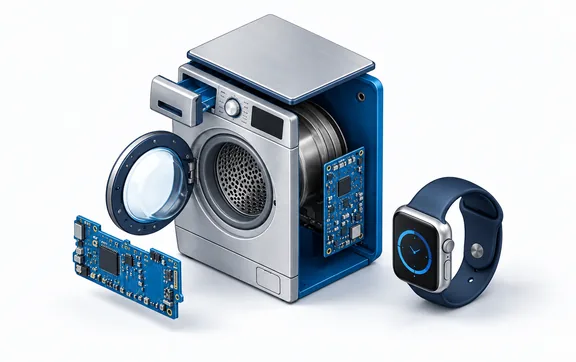
IoT & Smart Buildings
Displays for IoT and smart buildings
Thermostats, wall panels, access control, sensors and room signs: connected devices need displays that look good, use little power and are easy to integrate. We help you choose the right technology, from tiny OLEDs to touch panels and e-paper, for smart homes, offices and cities.
- from sensors to building control centers
- Under 1″ to 15.6″from sensors to building control centers
- with e-paper and reflective LCD
- Near-zero standbywith e-paper and reflective LCD
- smart and embedded displays for fast integration
- UART · SPI · MIPIsmart and embedded displays for fast integration
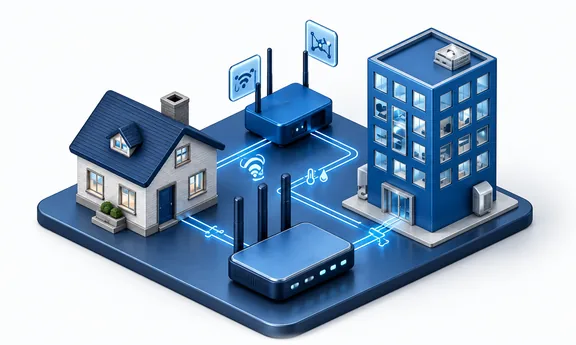
Why it matters
Low power, clean design, easy integration
In a smart building the display is often the only part of a device people see. It has to match the interior, work in predictable indoor conditions and, in battery-powered devices, last months or years on a charge. That is why the technology choice matters more than raw specifications: a reflective LCD or e-paper display can outlast a backlit TFT by orders of magnitude on the same battery.
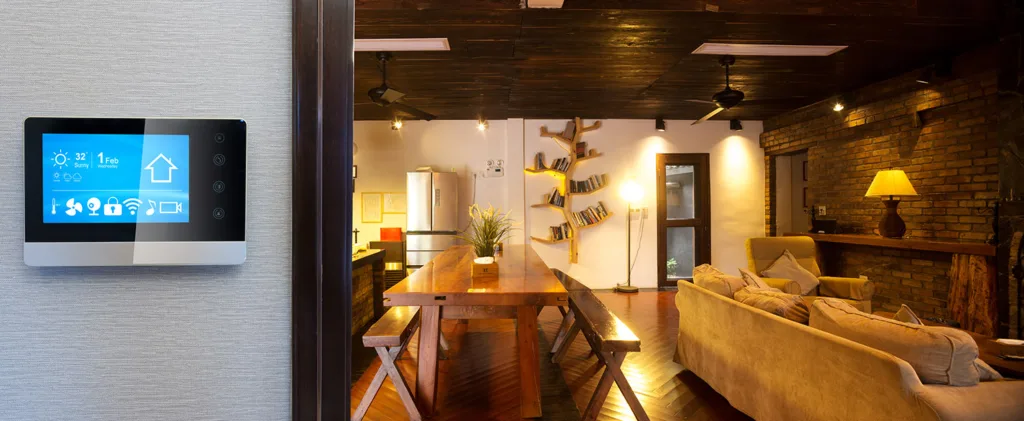
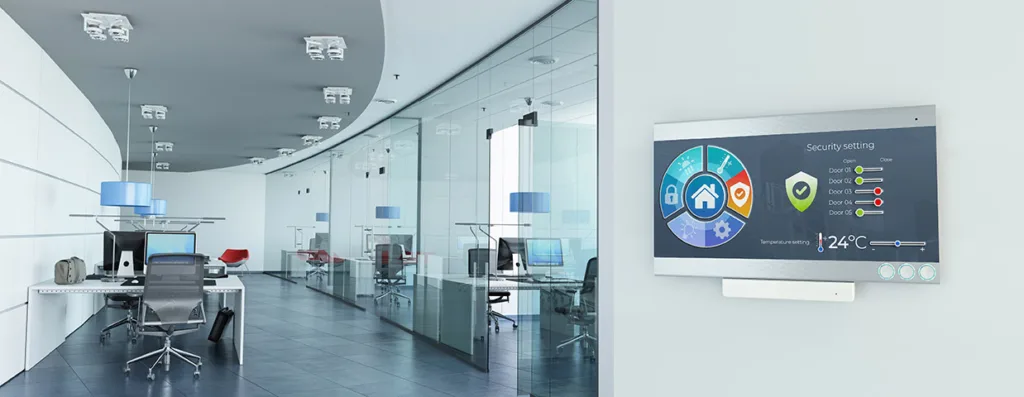
Wall panels and controllers are different. They are powered, touch-operated and expected to feel like a smartphone. Capacitive touch behind decorative glass, a bright IPS panel and a controller that connects easily to your electronics, such as smart displays driven over UART or embedded modules with their own graphics engine, shorten the time to market.

Applications
IoT and smart building applications
Typical devices and their requirements. Each link opens our display configurator with matching criteria already set.
Sensors and meters
Thermostat heads, air-quality sensors and meters: small reflective LCM, OLED or TFT displays, often under 1.5″, designed around battery life.
- up to 5″
- reflective LCM or OLED
- no touch
- battery-friendly
Small wall panels
Room controllers and smart switches: compact touch displays behind decorative glass, often with a logo or printed icons.
- up to 8″
- PCAP
- decorative glass
- IPS
Large wall panels
Building management and home control centers: 8–15.6″ capacitive displays with IPS panels and anti-fingerprint coating.
- 8–20″
- PCAP
- AF coating
- full viewing angle
Access control and intercoms
Door stations and readers at entrances: brighter panels, a wider temperature range and a robust front, sometimes in semi-outdoor locations.
- up to 10″
- 500–1000 cd/m²
- optional PCAP
- -20…+70 °C
Room signs and wayfinding
Meeting-room signs, desk labels and building navigation. E-paper runs for years without power cables; LCD-TFT carries dynamic content.
- 10″ and larger
- e-paper or LCD-TFT
- wireless updates
- low power
Requirements
What matters in connected devices
Four questions to answer before you pick a display for an IoT product.
Battery life
Every milliampere counts. E-paper uses power only when the image changes, reflective LCMs need no backlight at all and OLED lights only the active pixels.
Design and finish
Displays sit on walls and furniture. Decorative cover glass with printed frames, logos and icons, in shapes that fit the product, makes the device part of the interior.
Integration effort
Smart displays with an on-board controller and a UART or SPI interface, or embedded modules with a graphics engine, let a small team build a polished UI quickly.
Semi-outdoor locations
Intercoms and access readers at entrances face sun, rain and temperature swings. Plan 500–1000 cd/m² and a wider temperature range for them.
Specification guide
How to specify a display for an IoT device
Starting values by device type.
| Parameter | Typical requirement | Why it matters |
|---|---|---|
| Technology | Reflective LCM or OLED for sensors; IPS TFT with PCAP for panels; e-paper for signs | Power budget and content |
| Size | Under 2″ for sensors · 2–7″ for wall controls · 8–15.6″ for control centers | Typical device formats |
| Brightness | 250–500 cd/m² indoors · 500–1000 cd/m² at entrances | Indoor light is predictable |
| Viewing direction | Full for wall panels; 6 or 12 o'clock is enough for small devices | Cost versus readability |
| Touch | PCAP behind decorative glass; resistive as an option | Smartphone-like operation |
| Standby power | Near zero with e-paper or reflective LCD | Months to years on a battery |
| Interface | SPI, I²C, UART, RGB or MIPI | Matches typical IoT microcontrollers and SoCs |
What we adapt
What we adapt for IoT projects
We help turn a display module into a finished part of your product.
Decorative cover glass
Printed frames, logos and icons in your colors, cut to the shape of the device.
Touch integration
Capacitive or resistive touch matched to the glass and tuned for your enclosure.
E-paper modules
Our own USEC e-paper displays from 7.8″ to 31.2″ with SPI/USB, plus demo boards for quick evaluation.
Smart and embedded displays
Modules with an on-board controller that draw the interface themselves, so your device only sends commands.
Custom segment displays
Segment LCDs designed to your layout of icons and digits, produced by our partner Winstar.
Our own LCD-TFT lines
Unisystem Lite, Core and Pro are LCD-TFT modules we control end to end, and an excellent starting point for further customization.
Meet the three lines- Lite
Building automation and access systems in stable indoor conditions: a functional, easy-to-integrate base.
About Unisystem Lite
From our catalog
IoT and smart building displays from our catalog
A selection matched to the applications above, updated automatically with our catalog.
 Smart home & office wall panels
Riverdi
RVT70HSBFWCA0
Riverdi 7" EVE4 Display
- 7″
- 800 cd/m²
- -20…+70 °C
- PCAP touch
 Smart home & office wall panels
DWIN
DMG10600F070_01WTC
DWIN 7" 1024x600 Smart LCD-TFT display
- 7″
- 250 cd/m²
- -10…+60 °C
- PCAP touch
 Access control & intercoms
Unisystem
UST070HSLNCE00
Unisystem 7" 1024x600 TFT LCD, LVDS, capacitive touch, rectangular cover glass without tape
- 7″
- 1900 cd/m²
- -20…+70 °C
- PCAP touch
 Access control & intercoms
Winstar
WF43GSIAEDNGD
Winstar 4.3" 480x272 LCD-TFT display
- 4.3″
- 800 cd/m²
- -20…+70 °C
- PCAP touch
 Sensors & meters
Winstar
WEA012840A
Graphic OLED display from Winstar
- 1.3″
- -40…+80 °C
- 128×40
 Sensors & meters
Winstar
WEA012864LLPP3N00000
Winstar Longlife OLED graphic display module
- 1.28″
- -40…+80 °C
- 128×64
 E-paper room signs & wayfinding
Unisystem
USEC097SBSUSN
Electronic Paper display from Unisystem Co.
- 9.7″
- 0…+50 °C
- 1200×825
 E-paper room signs & wayfinding
Unisystem
USEC113SBSUSN
Electronic Paper display from Unisystem Co.
- 11.3″
- 0…+50 °C
- 2400×1034
FAQ
Frequently asked questions
Which display is best for a battery-powered IoT device?
If the content changes rarely, e-paper or a reflective LCD gives the longest battery life, because neither needs a backlight. For frequently updated or animated content, a small OLED is efficient because only the lit pixels draw power.
Can you add a logo or printed icons to the cover glass?
Yes. Decorative cover glass can be printed with frames, logos and touch icons in your colors and cut to the shape of your product.
What is a smart display?
A display module with its own controller and memory that draws the user interface itself. Your device only sends simple commands over UART, RS485 or a similar interface. It is a fast way to add a touch UI to a product without a powerful main processor.
Is e-paper suitable for meeting-room signs?
Yes. It is readable like paper, can run on a battery with a wireless link and updates in seconds when a booking changes. Our own USEC displays cover sizes from 7.8″ to 31.2″.
Contact
Building a connected device?
Tell us what the device does and how it is powered, and a display specialist will propose a display, touch and glass, with pricing and lead time. We typically respond within 1 business day.
What helps us answer quickly:
- Device type and where it is mounted
- Battery or mains power
- Screen size and content
- Touch and cover glass design
- Interface and microcontroller
- Estimated annual quantity
A rough idea is enough to start. If you do not know some of the values yet, leave them out and we will help you define them.