Digital Signage
Digital signage, advertising and information displays
Shop windows, totems, wayfinding and queue systems: a signage display is judged by whether people can read it from where they stand. We help you match brightness, format and protection to the location, and keep the screen running around the clock.
- for shop windows and outdoor signage
- up to 4500 cd/m²for shop windows and outdoor signage
- panels rated for continuous operation
- 24/7panels rated for continuous operation
- including stretched, square and color formats
- LCD-TFT + e-paperincluding stretched, square and color formats
Why it matters
Designing for the viewer, not the spec sheet
The same 32-inch screen can be perfect in a shopping mall and unreadable in a south-facing shop window. Indoor signage usually needs 400–1000 cd/m²; displays behind glass or outdoors need 2500 cd/m² and more to compete with daylight and reflections. Wide viewing angles matter too, because people walk past a sign rather than stand in front of it.
Signage also runs longer than most electronics, often around the clock. That puts LED lifetime, heat management and the long-term availability of the same model high on the list. Format is the other lever: stretched, square and e-paper displays help a project stand out and fit where a standard 16:9 screen does not.
Applications
Signage applications we support
Typical installations and what they require. Each link opens our display configurator with matching criteria already set.
Shop windows
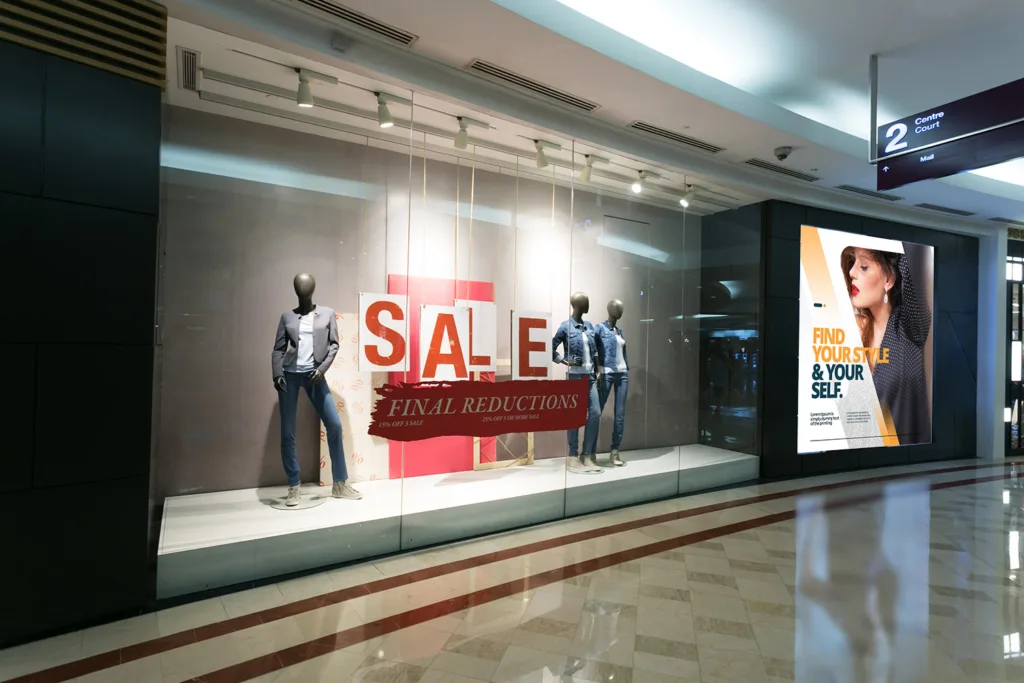
Screens behind glass fight direct sun and reflections. High-brightness panels with high-TNI liquid crystal stay readable and do not black out when the window heats up.
- 10″ and larger
- 2500+ cd/m²
- high-TNI
- 24/7
Indoor advertising
Malls, stations and showrooms: 400–1000 cd/m² panels, narrow-bezel screens for video walls and e-paper posters for low-power campaigns.
- 10″ and larger
- 400–1000 cd/m²
- full viewing angle
- LCD-TFT or e-paper
Outdoor advertising
Weatherproof, sunlight-readable signage needs 2500 cd/m² or more, a wide operating temperature range and an IP-rated enclosure with active thermal management.
- 2500+ cd/m²
- -30…+80 °C
- IP65 enclosure
- AR front
Wayfinding
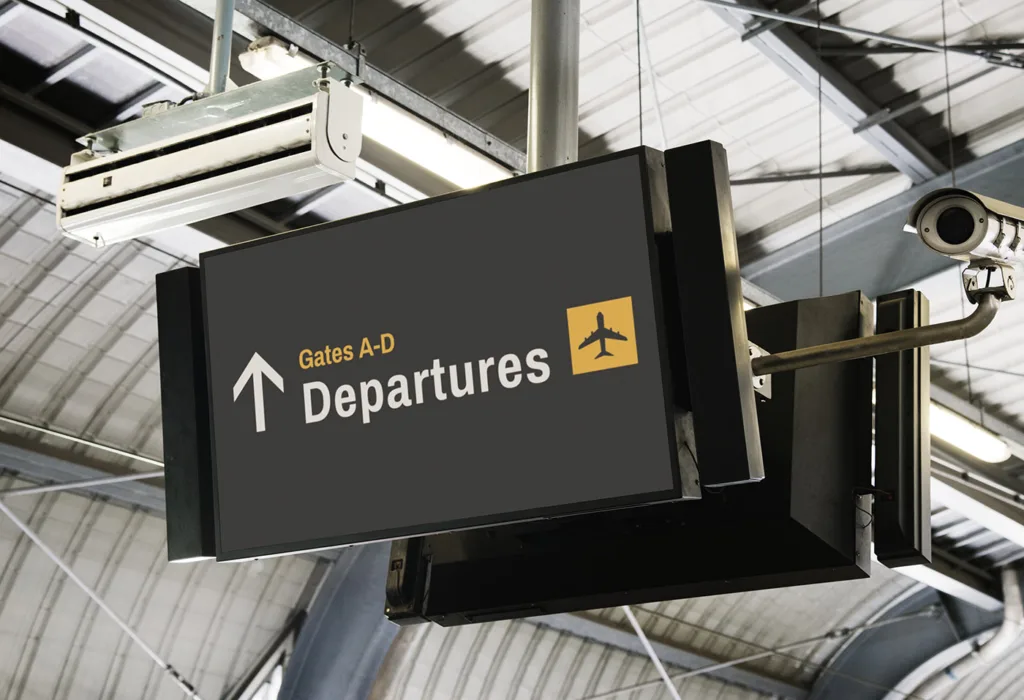
Directions in airports, hospitals and offices. LCD-TFT carries dynamic content; e-paper suits signs that change rarely and should run for years on minimal power.
- 10–32″
- LCD-TFT or e-paper
- wide viewing angle
- low power
Totems and interactive kiosks
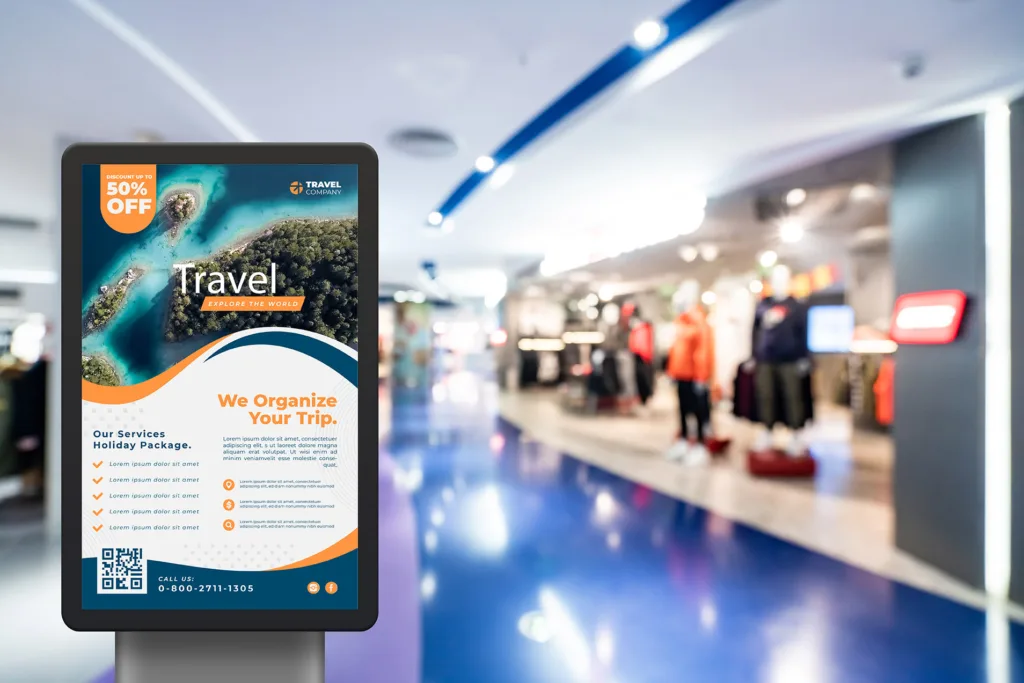
Floor-standing totems with capacitive touch, thick cover glass and anti-fingerprint coating for heavy public use indoors and under a canopy.
- 10″ and larger
- PCAP
- AF coating
- vandal-resistant glass
Queue management systems
Ticket dispensers and call displays in banks, offices and clinics: compact screens, often with touch, that stay on all day.
- 5–20″
- optional PCAP
- all-day operation
- wide viewing angle
Requirements
What makes signage readable and reliable
Four factors separate a sign people notice from one they walk past.
Ambient light and reflections
Match brightness to the location and cut reflections with anti-reflective coatings, which can bring reflectance down to around 2%, or with optical bonding. An ambient light sensor saves energy at night.
Continuous operation
24/7 signage needs panels rated for continuous duty, long-life LED backlights (up to 100,000 h in selected models) and an enclosure that dissipates heat.
Heat in sunlight
Solar load can push the panel beyond the limit of its liquid crystal. High-TNI panels, UV and IR-cut layers and active cooling keep the image intact.
Standing out
Stretched bar-type, square and round panels, curved screens and color e-paper help a design stand out, and fit places where standard formats do not.
Specification guide
How to specify a signage display
Starting values for the most common installations.
| Parameter | Typical requirement | Why it matters |
|---|---|---|
| Brightness | 400–1000 cd/m² indoors · 2500+ cd/m² behind glass · 2500–3500 cd/m² outdoors | Readable against daylight and reflections |
| Viewing angle | Full viewing angle (IPS- or VA-type panel) | Passers-by read the screen at an angle |
| Operation | Panels rated for 24/7; LED life up to 100,000 h in selected models | Signs that are always on |
| Operating temperature | 0…+50 °C indoors; -30…+80 °C outdoors with thermal management | Heat under glass, frost outdoors |
| Format | 16:9 landscape or portrait, stretched (16:3, 16:4.5), square | Fits the space and stands out |
| Surface | AR or AG against reflections; AF on touch totems | Readability and a clean look |
| Touch (interactive) | PCAP behind 3–6 mm glass | Heavy public use |
| Protection (outdoor) | IP65 or higher enclosure; IK10-ready cover glass | Rain, dust and vandalism |
What we adapt
What we adapt for signage projects
Beyond the panel, we prepare the parts that make a signage screen work in its location.
Sunlight readability
High-brightness backlights, AR coatings and optical bonding chosen for the exact location, not a generic outdoor rating.
Cover glass
Thick, printed or shaped glass with your branding, and anti-shatter film for public areas.
Controller boards
Boards that convert HDMI or DP to the panel's LVDS or eDP, so the screen connects to a standard media player.
E-paper systems
Our own USEC e-paper displays from 7.8″ to 31.2″ with SPI/USB interfaces, plus demo boards for evaluation.
Mechanics
Frames and mounts for totems, wall installations and slim housings.
Our own LCD-TFT lines
Unisystem Lite, Core and Pro are LCD-TFT modules we control end to end, and an excellent starting point for further customization.
Meet the three lines- Pro
Outdoor kiosks and public information systems: up to 2000 cd/m², a UV layer and 4 mm protective glass.
About Unisystem Pro
From our catalog
Signage displays from our catalog
A selection matched to the applications above, updated automatically with our catalog.
 Shop windows & outdoor signage
Litemax
DLF5500-L
LCD-TFT display from Litemax Co.
- 55″
- 2500 cd/m²
- -20…+60 °C
- 1920×1080
 Shop windows & outdoor signage
AUO
P430HVN06.0
AUO 43" 1920x1080 LCD-TFT display
- 43″
- 2500 cd/m²
- -20…+60 °C
- 1920×1080
 Indoor signage & totems
AUO
G320ZAN02.103
AUO 32" 3840x2160 LCD-TFT display
- 32″
- 850 cd/m²
- 0…+50 °C
- 3840×2160
 Indoor signage & totems
AUO
P294IVN01.1
AUO 29.4" 1920x720 LCD-TFT display
- 29.4″
- 700 cd/m²
- -20…+60 °C
- 1920×720
 Stretched bar displays
Litemax
SSF2861-Y
LCD-TFT display from Litemax Co.
- 28.6″
- 3200 cd/m²
- -20…+60 °C
- 1920×540
 Stretched bar displays
Litemax
SSF3480-I
LCD-TFT display from Litemax Co.
- 34.8″
- 2000 cd/m²
- -20…+60 °C
- 1920×264
 E-paper signage
Unisystem
USEC312
Electronic Paper display from Unisystem
- 31.2″
- 0…+50 °C
- 2560×1440
 E-paper signage
Unisystem
USEC133SBSUSN
Electronic Paper display from Unisystem Co.
- 13.3″
- 0…+50 °C
- 1600×1200
FAQ
Frequently asked questions
How bright should a shop-window display be?
Behind glass facing daylight you need at least 2500 cd/m²; in south-facing windows 3000–3500 cd/m² is safer. Choose a high-TNI panel so the image does not black out when the window heats up, and consider an ambient light sensor to dim the screen at night.
Can signage displays run 24/7?
Yes, if you choose panels specified for continuous operation. Check the LED backlight lifetime (up to 100,000 h in selected models), the thermal design of the enclosure and whether the controller supports scheduled dimming.
When does e-paper make sense for signage?
For content that changes a few times a day: menus, prices, room signs, timetables and posters. E-paper uses power only when the image changes, is readable in daylight and can run from a battery or a small solar panel. Color e-paper is available for advertising.
What is a stretched (bar-type) display?
A panel with an unusual aspect ratio, such as 16:3 or 16:4.5, used on shelves, above doors in trains or in slim totems. These panels are built for professional use, and many are specified for continuous operation.
Do you provide the media player or signage software?
We focus on the display side: panels, touch, glass and controller boards, plus embedded computers and industrial monitors when you need them. The content management software comes from your signage software partner.
Contact
Planning a signage installation?
Tell us where the screen will hang and what it has to show. A display specialist will propose a panel, protection and interface, with pricing and lead time, typically within 1 business day.
What helps us answer quickly:
- Screen size and orientation
- Location: indoor, behind glass or outdoor
- Operating hours (e.g. 24/7)
- Touch or display-only
- Signal source (media player, HDMI, DP)
- Estimated quantity
A rough idea is enough to start. If you do not know some of the values yet, leave them out and we will help you define them.