Article summary generated by AI — it may contain errors.
Table of contents
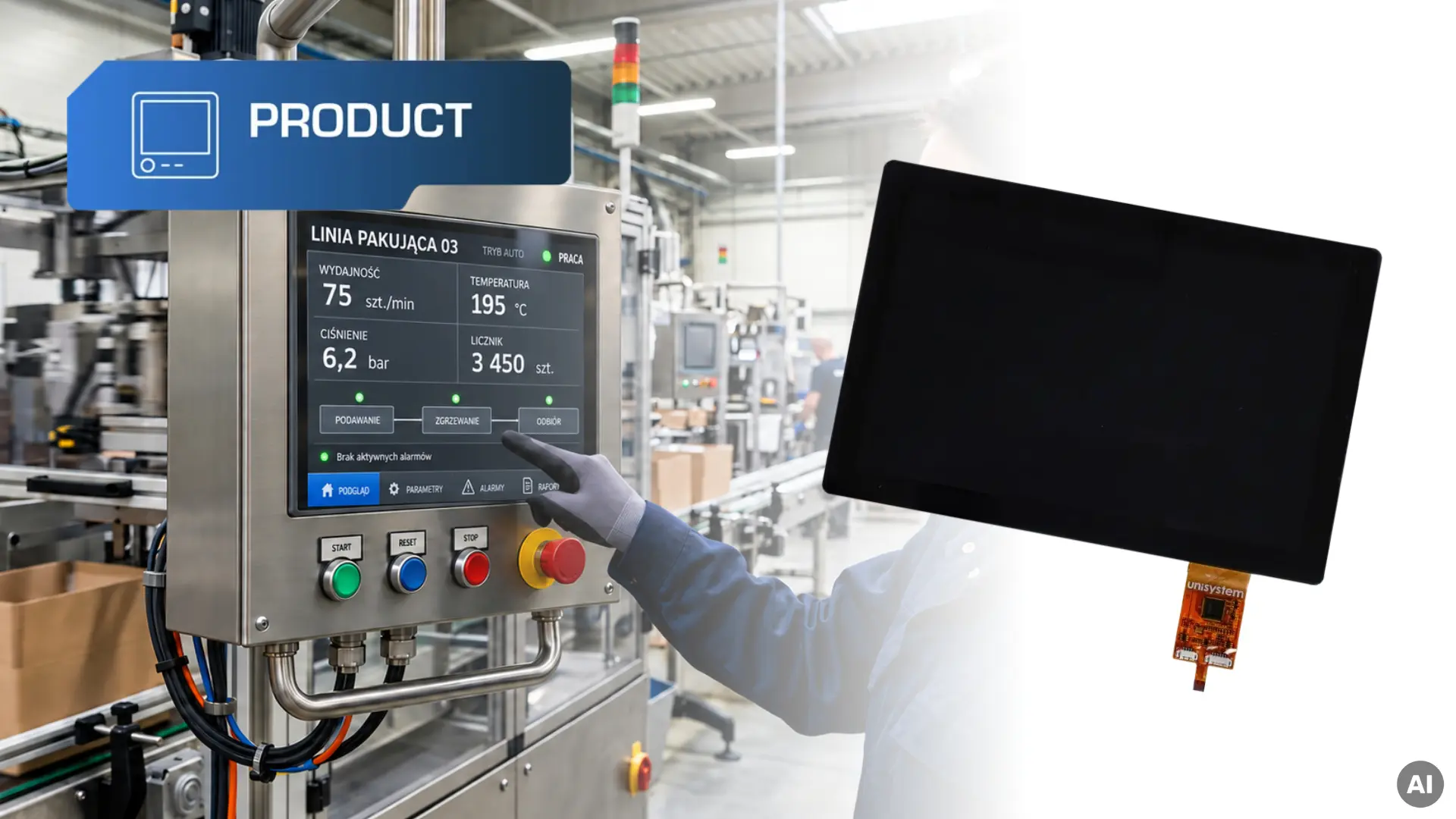
On compact machine operator panels, measuring instruments and building automation controllers, the display lets users monitor operating parameters, adjust settings and read messages. The RVT50HQSNWC01-B by Riverdi combines a 5-inch TFT LCD, a capacitive touch panel and an STM32U5-based control board in a single module. It can serve as the device’s human–machine interface (HMI), presenting data, handling user input and communicating with the rest of the device.
The module is part of Riverdi’s STM32 Embedded Displays series. Its control board also houses memory and connectors for communication with other components. The display software runs directly on the onboard microcontroller. This lets developers design a custom interface and implement the functions needed to operate the device.
This article covers the module’s key specifications and explains how the onboard STM32 and tools such as TouchGFX support user interface development.
In Unisystem’s classification of smart displays, the RVT50HQSNWC01-B by Riverdi is an example of application intelligence. It can run a graphical user interface (GUI) locally, handle touch input, execute part of the application logic and communicate with other components. Simpler modules with a dedicated graphics controller provide user-interface intelligence. HMI platforms capable of running AI tasks locally offer computational intelligence. We explain how the three levels differ and where each can be used in Three Levels of Display Intelligence – Which One Should You Choose for Your Project?.
Resolution, active area and viewing angles
The 5-inch RVT50HQSNWC01-B has a resolution of 800 × 480 px, a 5:3 aspect ratio and an active area of 108.00 × 64.80 mm. This format fits compact control panels with limited space on the front of the device.
When designing the interface, consider how to arrange information and touch targets. Frequently used controls should be easy to access, and text and buttons should be sized for the distance from which the device is operated.
The IPS panel has wide viewing angles of 80°/80°/80°/80°. This makes the screen easier to read from the side, above or below, for example when an operator changes position at a workstation.
Brightness and contrast
Riverdi specifies a typical brightness of 850 cd/m² and a typical contrast ratio of 1000:1. These specifications make the module an option for equipment used in brightly lit indoor spaces, such as production workstations, customer service areas or locations near windows.
A contrast ratio of 1000:1 means that, under the specified test conditions, white has 1,000 times the luminance of black. On an industrial HMI, strong contrast makes text and graphics easier to distinguish. Readability also depends on the angle of incoming light, reflections on the cover glass and the design of the interface. When selecting a module, assess the screen under lighting conditions that match those of the intended installation.
This variant uses optical bonding. A transparent material fills the gap between the TFT LCD and the touch panel, reducing internal reflections and improving readability, particularly in bright surroundings.
Capacitive touch panel with an ILITEK ILI2132A controller
The projected capacitive (PCAP) touch panel lets users select functions and adjust settings directly on the screen. Its ILITEK ILI2132A controller supports up to 10 simultaneous touch points.
The controller settings can be tuned to suit the device design and operating conditions, including use with specific types of gloves or with water on the screen. These requirements should be taken into account during configuration and verified on the finished device.
STM32U5G9 microcontroller and graphics processing
The module runs its application on an STM32U5G9 microcontroller by STMicroelectronics. The software can update the readings shown on screen and respond when a user selects a function. The microcontroller has 4 MB of flash memory for program code and data. The control board also has 64 MB of additional flash memory. The microcontroller uses its 3 MB of SRAM as working memory, for example to prepare graphics for display. The built-in NeoChromVG graphics processing unit (GPU) handles part of the rendering workload, freeing the CPU to handle other tasks. It also supports vector graphics, so icons and indicators stay sharp when scaled.
Depending on the software, the module can also read sensor data or work with a separate controller. For example, the controller can run the machine while the Riverdi module displays its status and relays the settings selected on the touchscreen.
GUI design with TouchGFX and LVGL
Buttons, messages, icons, charts and indicators are all part of a graphical user interface. TouchGFX and LVGL are two widely used options for building a GUI on STM32 microcontrollers.
TouchGFX is a graphics framework developed by STMicroelectronics for STM32 microcontrollers. TouchGFX Designer lets developers lay out screens, define navigation between them and add ready-made components such as buttons, sliders, text fields, charts and animations. It generates the interface code automatically and includes a simulator for checking how the GUI looks and behaves before running it on the target device.
LVGL (Light and Versatile Graphics Library) is an open-source graphics library for building user interfaces on a range of hardware platforms, including STM32 microcontrollers. It provides ready-made widgets such as buttons, sliders, lists, charts and indicators. Developers integrate the library into their project and configure it for the display and touch controller they are using.
For Riverdi modules such as the RVT50HQSNWC01-B, the choice depends on the module’s architecture, the microcontroller and the requirements of the finished device. Sample projects and hardware configurations can provide a starting point with either tool. Both support advanced interfaces with controls and navigation tailored to the device. Testing an interface early makes it easier to assess usability and refine the design, which can shorten development time.
Interfaces and connectors
RGB – display data transmission
In the RVT50HQSNWC01-B, a parallel RGB interface connects the control board to the TFT LCD. It carries colour data for each pixel, along with clock and synchronisation signals that control the timing of the image on the panel. Data is sent in step with the panel’s refresh cycle, so the screen can show static interface elements as well as changing content such as measurements, charts and animations.
I²C – communication with the touch controller
The touch controller uses an internal I²C connection to send touch coordinates to the STM32 microcontroller. The module’s software uses this data to identify which interface element the user selected. For example, tapping a button can open a settings screen or send a command to the device controller.
RS485 and CAN FD – communication with the device controller
The module can exchange data with the device controller over RS485 or CAN FD. It can receive readings and machine status updates for display and send back settings selected by the user. The choice of connection depends on which interface the controller supports.
USB – connection to a computer or peripheral
The module uses the USB 2.0 OTG controller built into the STM32U5G9. In USB device mode, it can send diagnostic data to a computer via a virtual serial (COM) port. In host mode, it can read configuration files from a connected USB flash drive. In this mode, the connector can also supply 5 V at up to 500 mA to the connected peripheral. The wiring of the ID pin determines the operating mode, and the available functions depend on the module’s firmware.
40-pin expansion connector – sensors and additional electronics
The 40-pin expansion connector provides access to interfaces such as I²C, SPI and UART for connecting sensors and other electronics. For example, the module can use one of these interfaces to read measurements from a temperature sensor.
The connector also provides analogue inputs for tasks such as reading the position of an adjustment knob. An analogue output can send a voltage signal at a specified level to another circuit. PWM signals can be used with a suitable driver to adjust the brightness of auxiliary lighting.
RiBUS – connection to a second display
The RiBUS connector supports a second compatible Riverdi display, such as an EVE4 model. The same STM32 microcontroller that handles the primary display can manage the second one. Configure the power supply for the additional display as specified in the documentation.
The table below lists the key specifications for the RVT50HQSNWC01-B.
| Parameter | RVT50HQSNWC01-B |
| Screen size | 5″ |
| Panel type | IPS |
| Resolution | 800 × 480 px |
| Active area | 108.00 × 64.80 mm |
| Brightness | 850 cd/m² |
| Contrast ratio | 1000:1 |
| Viewing angles | 80°/80°/80°/80° |
| Touch panel | Projected capacitive (PCAP) |
| Touch controller | ILITEK ILI2132A |
| Bonding method | Optical bonding |
| Display interface | RGB (internal connection) |
| Microcontroller | STM32U5G9 |
| Graphics processing unit | NeoChromVG |
| Microcontroller memory | 4 MB flash, 3 MB SRAM |
| Additional flash memory | 64 MB |
| Interfaces and connectors | RS485, CAN FD, USB, RiBUS |
| Supply voltage | 6–48 V DC |
| Overall dimensions | 136.00 × 92.80 × 12.05 mm |
| Operating temperature | −20 °C to +70 °C |
Applications for the RVT50HQSNWC01-B
The module can be used in control panels for several types of equipment.
- Industrial automation – machine controllers and operator panels, assembly stations and inspection stations.
- Measurement and laboratory equipment – instruments for setting up measurements, displaying results and running procedures.
- Building automation – panels for controlling heating, ventilation and lighting.
- Food service equipment – coffee machines and other appliances with touchscreen controls for selecting programmes and changing settings.
Start by defining the intended application, the conditions in which the display will operate and how users will interact with it. Integration with the rest of the device also depends on the software, communication interfaces and mechanical design. Considering these factors early in the design process makes it easier to choose a display that meets the technical requirements of the application. Jacek Marcinkowski explains how Unisystem supports customers at each stage of a project in the interview “Solution” in Practice – How Unisystem Responds to Real Customer Challenges.
Our three-part guide covers the main considerations when choosing a display, including TFT LCD modules.
- Part 1 – Technological basics and types of displays
- Part 2 – Dimensions, formats and device integration
- Part 3 – Operation, durability and additional features
The RVT50HQSNWC01-B is one option for applications that need an integrated display module. A standard TFT LCD module without an onboard microcontroller may be sufficient for some projects, while others may call for different specifications. Browse Unisystem’s wider TFT LCD catalogue to compare the available options.
To specify your application requirements and shortlist suitable models, use our Industrial Display Configurator. For advice on choosing a module for your application, contact our specialists.