Article summary generated by AI — it may contain errors.
Table of contents
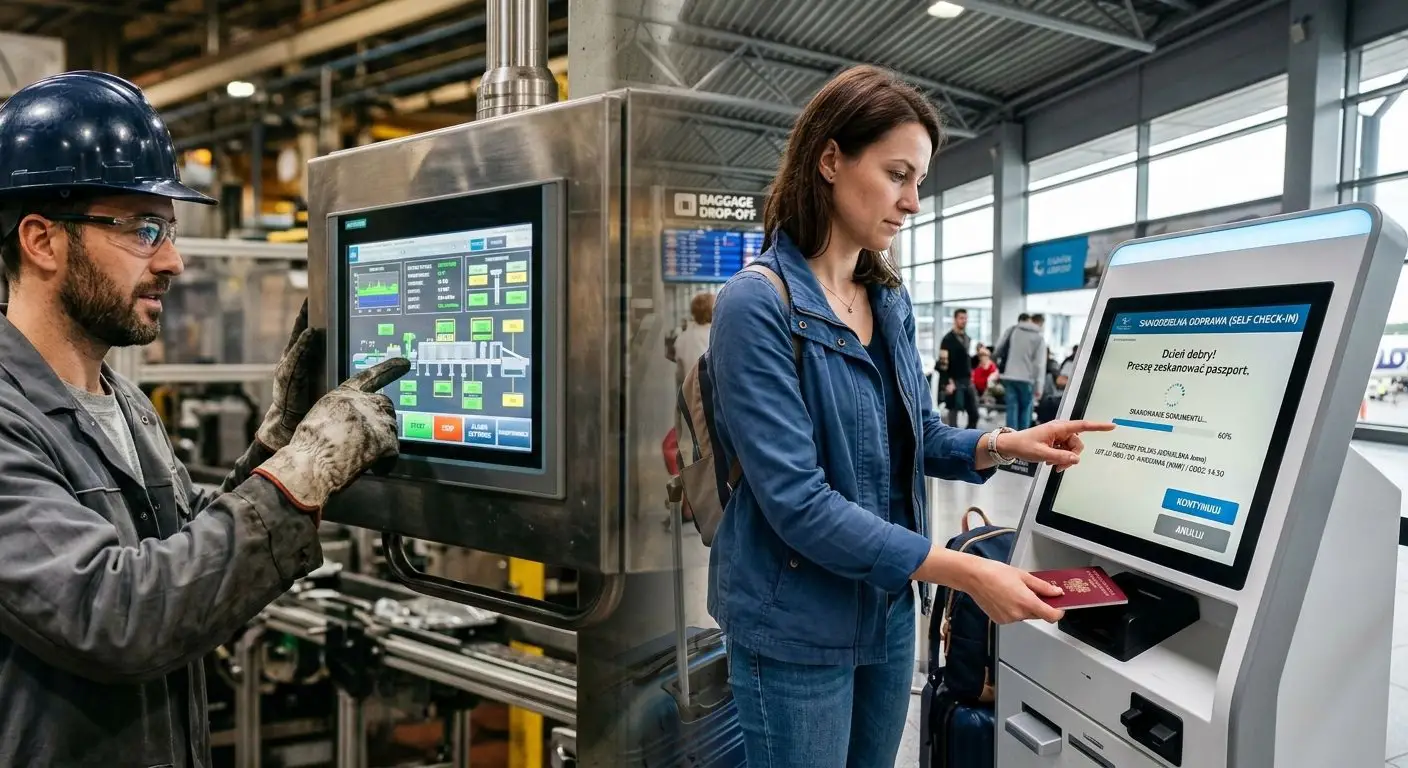
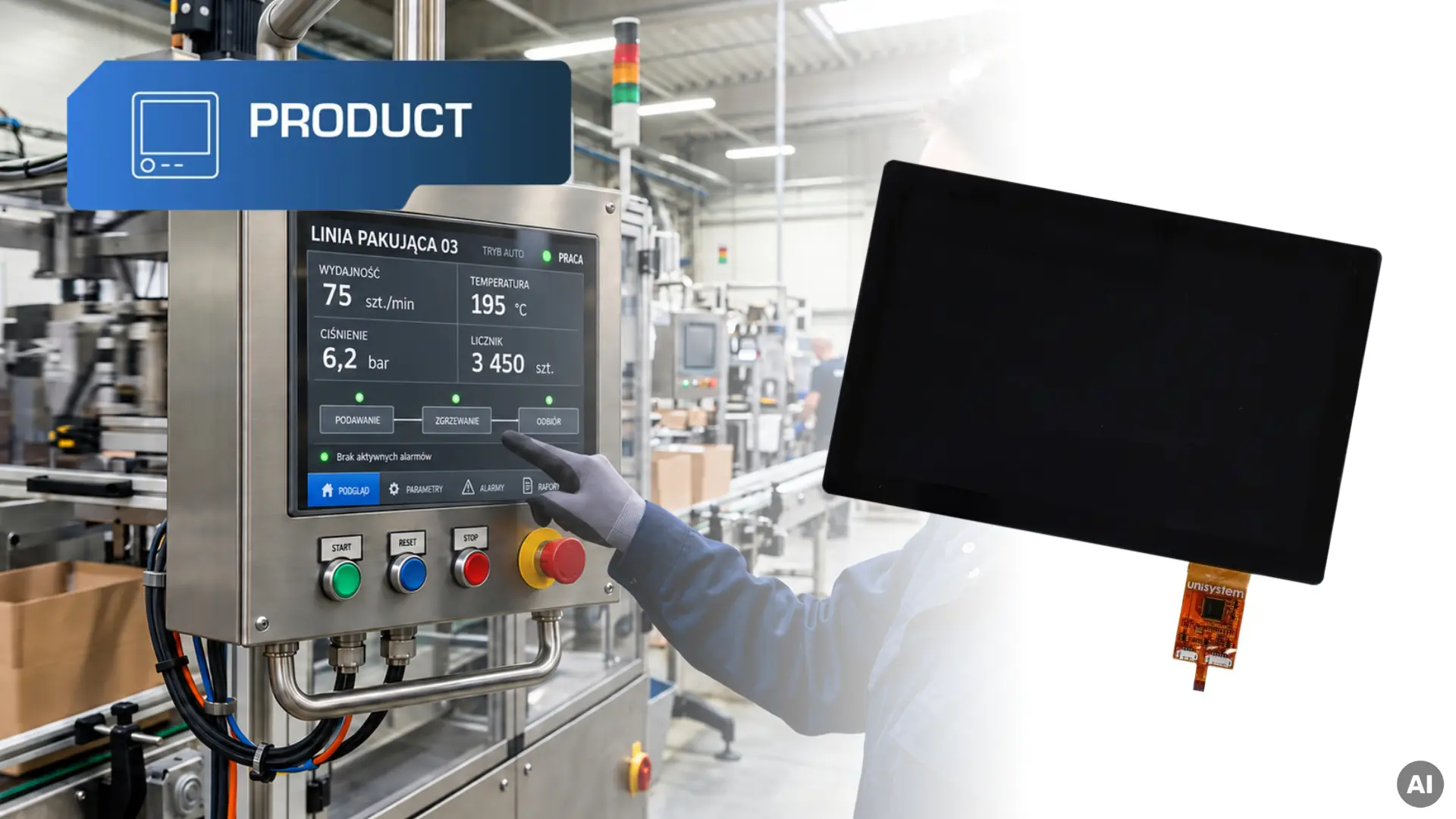
A machine operator repeatedly uses the control panel throughout a shift to monitor the process, adjust settings, and read messages. In these applications, the display needs to provide a clear image, convenient touch operation, and stable performance over many hours. One model designed to meet these requirements is the UST101SWLNCU00 – an LCD-TFT module by Unisystem with a capacitive touch panel. In this article, we cover its key specifications and construction, explaining what they mean in practice.
The UST101SWLNCU00 belongs to Unisystem’s Core line, designed for demanding industrial applications, including devices that operate continuously. Modules in this line use industrial-grade components, including the LCD panel, backlight, and electronic circuits. These components are selected to meet the requirements of prolonged, daily operation. This is particularly relevant to operator panels on machines running across multiple shifts. Users need constant access to settings, parameters, and messages, so display reliability directly affects their ability to operate the device without interruption.
Alongside the Unisystem Core line, the LCD-TFT portfolio developed by the Unisystem team includes the Unisystem Lite line, intended for devices operating in stable indoor conditions, and the Unisystem Pro line, designed for outdoor applications, including strong sunlight and demanding operating conditions. This division makes it easier to match the display to the actual requirements of a project.
Explore the available models in the Lite, Core and Pro lines in our online store.
Resolution, active area and viewing angles
The 10.1-inch UST101SWLNCU00 offers a resolution of 1280 × 800 pixels, a 16:10 aspect ratio and an active area of 216.96 × 135.6 mm. This provides space to present different types of content clearly and arrange interface elements with comfortable spacing and a clear structure. A well-designed interface layout can reduce the need to switch between screens and make the device easier to operate. Text and touch target sizes must still be adapted to how the device is used and the distance from which information is read.
The IPS panel provides wide viewing angles (typ. 80°/80°/80°/80°), making information easier to read from different positions. This matters at workstations where operators change position during use, as well as at terminals used by people of different heights.
Brightness and contrast
The module has a brightness of 650 cd/m² and a contrast ratio of 1000:1. These specifications make it a model to consider for many devices used indoors, including in brightly lit environments such as production halls, warehouses, retail outlets and service premises.
Readability should be assessed in the lighting conditions of the specific installation. A screen positioned directly beneath a powerful light, for example, will operate in different conditions from the same module installed in a shaded location. Brightness should therefore be considered together with reflections on the screen surface and the way the screen is positioned.
We discuss this parameter in more detail in our article Ambient brightness vs. display selection – Some practical advice.
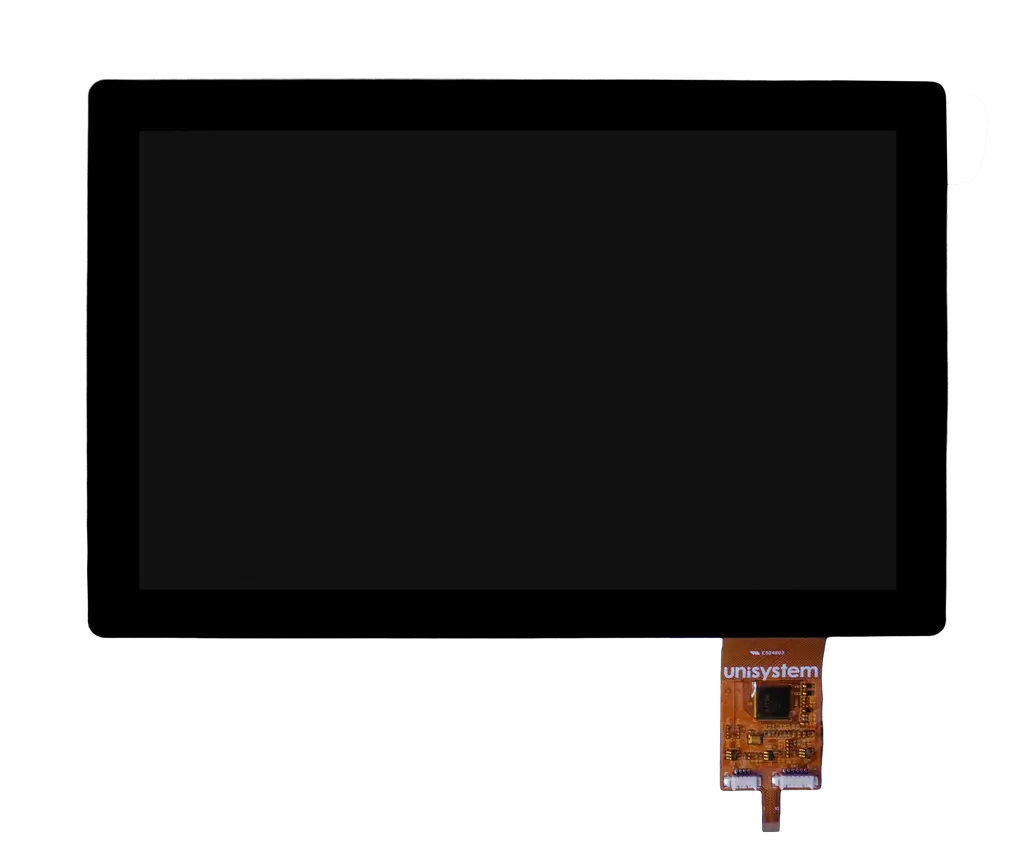
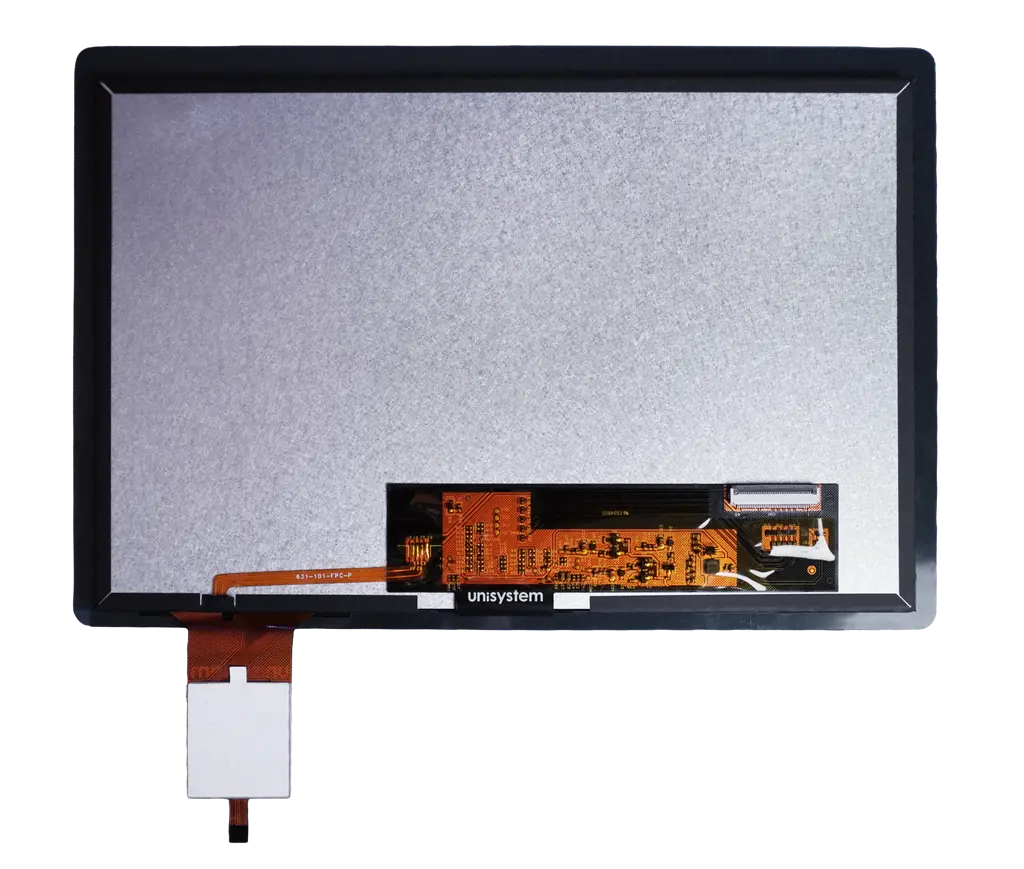
Display interface – LVDS
The image signal is transmitted to the UST101SWLNCU00 module via an LVDS interface, which uses differential signalling. This reduces the signal’s susceptibility to electromagnetic interference, an important consideration in industrial equipment. The display may operate close to power supplies, control circuits and other electronic components that can act as potential sources of interference.
The module can be connected to a controller board with a compatible LVDS output, or used with a suitable signal converter. Integration must be based on the technical documentation, which specifies the transmission parameters, connector type and pinout.
Capacitive touch panel with the ILITEK ILI2520 controller
The module features a projected capacitive touch panel (PCAP), which detects changes in electrical capacitance caused by touching the surface. Users can select functions, enter settings and navigate between screens directly on the display.
An ILITEK ILI2520 controller manages the touch panel. It allows sensitivity to be tuned to the device design and operating conditions, including interference generated by the electronics. With the appropriate configuration, the screen may also support operation with certain types of gloves, without users having to remove them. This is relevant in medical settings, laboratories and food production, where gloves are a standard part of staff equipment. This functionality must be verified during tuning and testing with the specific type of glove.
The touch panel communicates with the device electronics via USB or I²C. The controller uses this connection to transmit touch coordinates, allowing the interface to respond to user input. The choice of connection makes it easier to match the panel to the controller board used in the device.
Optical bonding
The module uses optical bonding, which joins its layers – the LCD, touch panel and cover glass – across their entire surface using a transparent optical material. This material fills the space between the individual components, eliminating the air gap that creates additional light reflections at the interfaces between layers. As a result, less ambient light is reflected back towards the user, improving perceived contrast and making content easier to read, particularly in brightly lit rooms.
Full-surface bonding also affects the module’s mechanical properties. It increases rigidity, limits relative movement between the layers and distributes pressure applied to the glass surface more evenly. The result is a more cohesive structure that is better suited to intensive daily use.
We explain the bonding process and its significance in more detail in our article.
Operating temperature
The UST101SWLNCU00 is designed to operate at temperatures from −20°C to +70°C. This range provides a margin beyond typical ambient conditions and accommodates temperature increases inside the device enclosure.
The design must account for the temperature in the module’s immediate surroundings. Heat generated by the power supply, processor and other components can cause local temperature increases. Component placement and effective heat dissipation must therefore keep the module within its specified operating conditions, including during prolonged operation.
MTBF – suitability for continuous operation
The specified MTBF for the Unisystem Core line is 100,000 hours. Mean Time Between Failures describes the statistical average time between failures for a defined population of devices operating under specified conditions. A value of 100,000 hours is mathematically equivalent to more than 11 years of uninterrupted operation and is an important parameter when assessing the reliability of solutions intended for prolonged industrial use.
MTBF is influenced by factors including component reliability, operating temperature, electrical and thermal loads, and environmental conditions. In the finished device, module integration, effective heat dissipation and the operating conditions of the complete system are therefore also relevant.
Cover glass
The module’s outer surface is formed by cover glass, which protects the components beneath it against damage during everyday use. This protection is particularly relevant to displays used frequently by many different people. The glass also forms a visible part of the device, contributing to the appearance of its front panel.
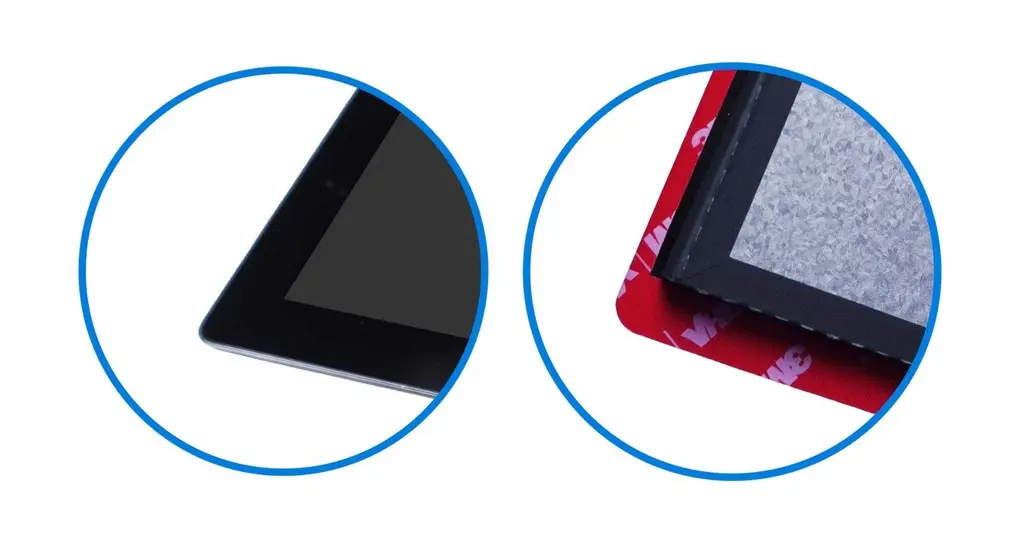
This version features rounded corners, giving the panel a softer outline.
Module dimensions and mounting
The 10.1-inch UST101SWLNCU00 has overall dimensions of 245.58 × 165.22 × 7.04 mm. This format offers a practical balance between space for a clear interface and the room occupied within the device enclosure. The module’s thickness of 7.04 mm is also relevant when designing devices with limited space behind the front panel.
Mechanical integration is further simplified by factory-applied mounting tape, used to secure the module in a suitably prepared enclosure. This removes the need to apply tape separately during assembly and supports a repeatable process in series production. The bonding surface and the way the module is supported should be considered when designing the device’s front panel.
The table below summarises the key specifications of the UST101SWLNCU00.
| Parameter | UST101SWLNCU00 |
|---|---|
| Product line | Unisystem Core line |
| Diagonal size | 10.1″ |
| Resolution | 1280 × 800 pixels |
| Aspect ratio | 16:10 |
| Active area | 216.96 × 135.6 mm |
| Brightness | 650 cd/m² |
| Contrast ratio | 1000:1 |
| Overall dimensions | 245.58 × 165.22 × 7.04 mm |
| Display interface | LVDS |
| Touch interface | USB / I²C |
| Touch panel | Projected capacitive (PCAP) |
| Touch controller | ILITEK ILI2520 |
| Touch panel bonding | Optical bonding |
| Mounting method | Adhesive mounting with tape |
| Operating temperature | −20°C to +70°C |
| MTBF | 100,000 h |
Example applications of the UST101SWLNCU00
The UST101SWLNCU00 can be used as part of a human–machine interface (HMI) in various types of equipment, including:
- Industrial automation – equipment and systems used on production lines, at assembly and inspection stations, and in industrial installations.
- Vending machines – devices with a touch interface for selecting products, displaying prices and guiding users through the purchase process.
- Payment equipment – ticket machines, parking payment terminals and other devices that handle payments.
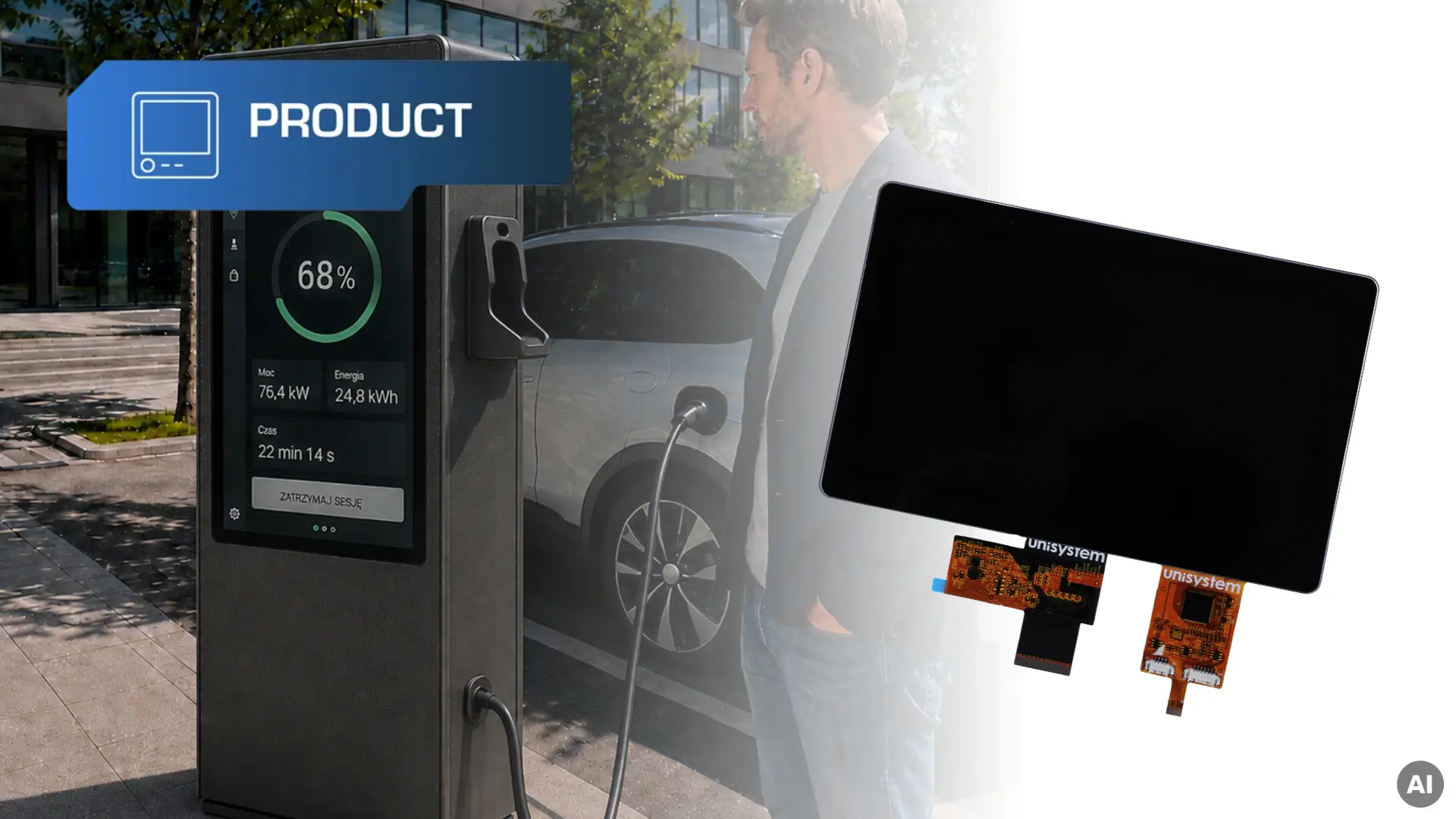
- Self-service terminals – kiosks and freestanding terminals for placing orders, registering for appointments, managing queues and providing self-service functions in retail outlets and service premises.
Selection for a specific device should take account of its mechanical, electrical and environmental requirements, as well as the standards applicable to the intended use.
Are you designing a device with a touch interface and want to check whether the UST101SWLNCU00 meets its requirements? Order a sample in our online store or contact us to discuss integration, documentation and delivery terms.