Article summary generated by AI — it may contain errors.
Table of contents
Diagrams, charts and plans can present a large amount of information in a single view. Users should be able to quickly locate the element they need on the screen and read its label. When selecting a display for such applications, two parameters deserve particular attention: active area dimensions and resolution. We discuss both using the 15.6-inch EV156FHM-N13 TFT LCD by BOE as an example. We also examine how brightness, contrast and viewing angles affect image readability. From an integration perspective, we outline what to check when selecting a controller board and cable for an LVDS connection.
Resolution, aspect ratio and active area
The EV156FHM-N13 is a 15.6-inch TFT LCD by BOE with a resolution of 1920 × 1080 px (Full HD). Its 16:9 aspect ratio makes it easier to arrange information side by side for comparison.
The active area, meaning the part of the screen that displays the image, measures 345.6 × 194.4 mm. At this resolution, the pixel pitch is 0.18 mm in both axes. This means that, with pixel-for-pixel image mapping, a 32 × 32 px icon will occupy approximately 5.8 × 5.8 mm on the screen. This calculation lets you assess the physical size of elements during interface design. The readability of small labels, symbols and thin lines should then be checked on the display at the intended operating distance.
Optical parameters
Brightness
The model has a specified brightness of 500 cd/m², suitable for many indoor devices. However, display selection should account for the lighting conditions at the installation site. Both light intensity and the screen’s position relative to lamps and windows matter, as reflections on its surface can make small labels difficult to read. We discuss this in more detail in our article: Ambient brightness and display selection – a few practical tips.
Contrast
The EV156FHM-N13 has a contrast ratio of 1200:1. This parameter describes the ratio of white luminance to black luminance, measured at the center of the screen when viewed head-on. In an operator interface, contrast makes light markings easier to read against a dark background, such as axis labels and plotted lines.
Viewing angles
The viewing angles of the EV156FHM-N13 are 85° in each of the four directions: up, down, left and right, measured from the axis perpendicular to the screen (85°/85°/85°/85°). Wide viewing angles make data easier to read when the operator looks at the screen from the side or uses a panel mounted above or below eye level.
Interface
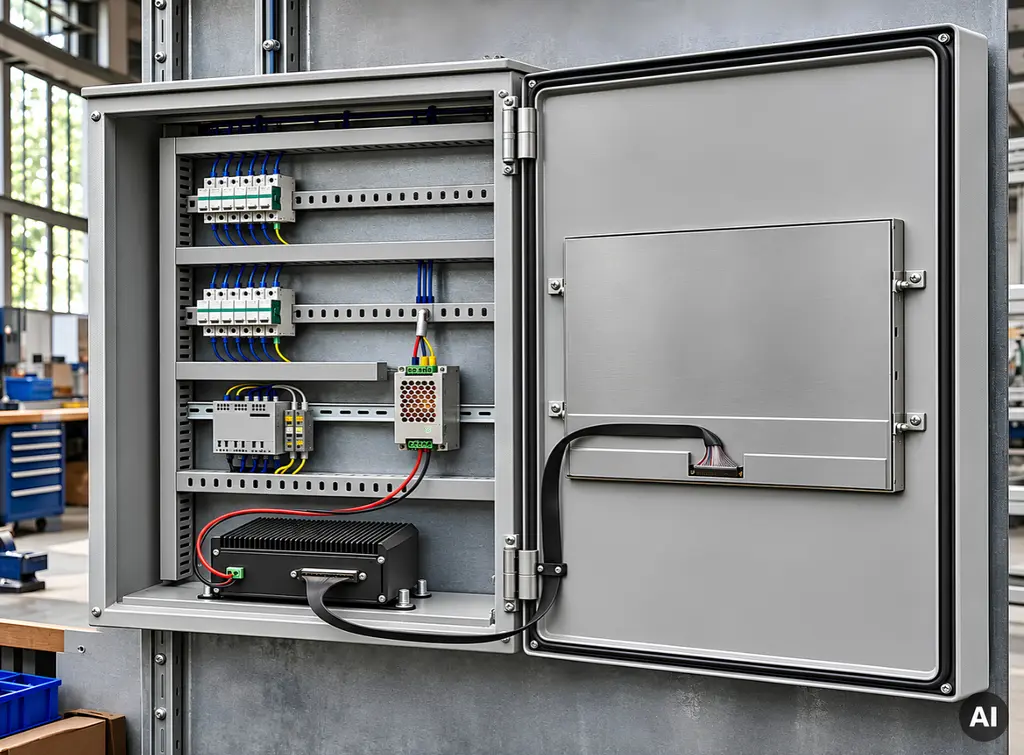
The display receives the image signal from the controller board via a dual-channel LVDS interface in an 8-bit configuration. The module connects through a 40-pin connector.
The LVDS (Low-Voltage Differential Signaling) interface uses differential transmission, with data carried over pairs of wires. The receiver identifies the signal based on the voltage difference between the two wires, reducing the impact of electromagnetic interference on transmission.
This approach is used in industrial operator panels, among other applications, where the display works with a controller board located inside the device enclosure. Differential transmission supports signal integrity in environments that also contain other electronic circuits, power cables and actuators. Correct cable routing and connection design remain necessary.
When selecting a controller board, verify that its LVDS interface matches the display’s requirements, including the number of channels, data format, data mapping, and signal timing parameters. The supported resolution and image refresh rate are also important.
The connecting cable requires separate consideration. A 40-pin connector alone does not guarantee compatibility with the controller board. Check the connector type, pin assignments, and differential-pair requirements. Connection design should also account for cable length, impedance and any shielding. These parameters can affect transmission quality, particularly over longer distances between the controller board and the display.
LED backlight lifetime
The manufacturer specifies an LED backlight lifetime of at least 50,000 hours for the EV156FHM-N13. This value refers to the time it takes for the backlight luminance to fall to half its initial level. The manufacturer specifies it for continuous operation at 25 ± 2 °C, with the LEDs driven at their typical current.
If the backlight is on for 12 hours a day, 50,000 hours corresponds to more than 11 years of use. This is an approximate conversion; the actual rate of brightness decline depends on factors including the temperature inside the device enclosure and the current supplied to the LEDs.
Module dimensions and installation
The EV156FHM-N13 measures 363.8 × 215.9 × 8.1 mm. The module’s slim profile makes it easier to integrate into devices with limited space behind the front panel, such as operator panels mounted in control cabinet doors. When determining the required installation depth, allow space for the LVDS plug and cable routing.
Four threaded M3 holes on the sides of the module allow you to secure the display to brackets or directly to suitably shaped enclosure components. The manufacturer’s mechanical drawing specifies the positions of the mounting points and active area. Use it to position the brackets and align the opening in the front panel so its edges do not obscure the image.
The table below summarizes the key technical specifications of the EV156FHM-N13:
| Parameter | EV156FHM-N13 |
| Diagonal | 15.6″ |
| Resolution | 1920 × 1080 px (Full HD) |
| Aspect ratio | 16:9 |
| Active area | 345.6 × 194.4 mm |
| Outline dimensions | 363.8 × 215.9 × 8.1 mm |
| Brightness | 500 cd/m² |
| Contrast ratio | 1200:1 |
| Viewing angles | 85°/85°/85°/85° |
| Color depth | 8 bits per RGB channel, 16.7 million colors |
| Color gamut | 72% NTSC |
| Interface | LVDS |
Example applications
The EV156FHM-N13 can be considered for integration into devices where users view information at close range. Example application areas include:
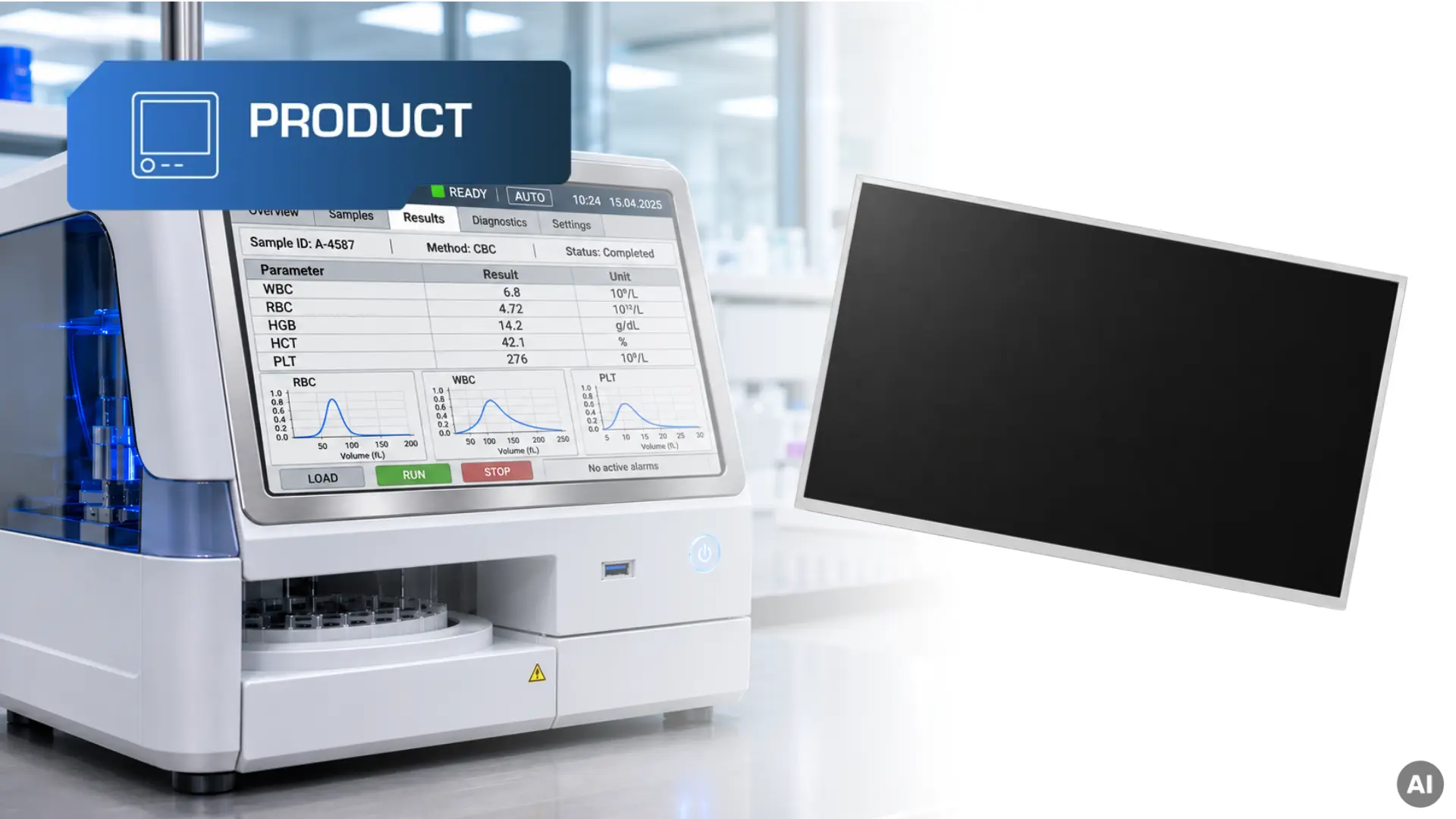
- Medical equipment – diagnostic devices, medical instruments and patient monitoring screens,
- Laboratories – laboratory analyzers, research equipment and measurement stations,
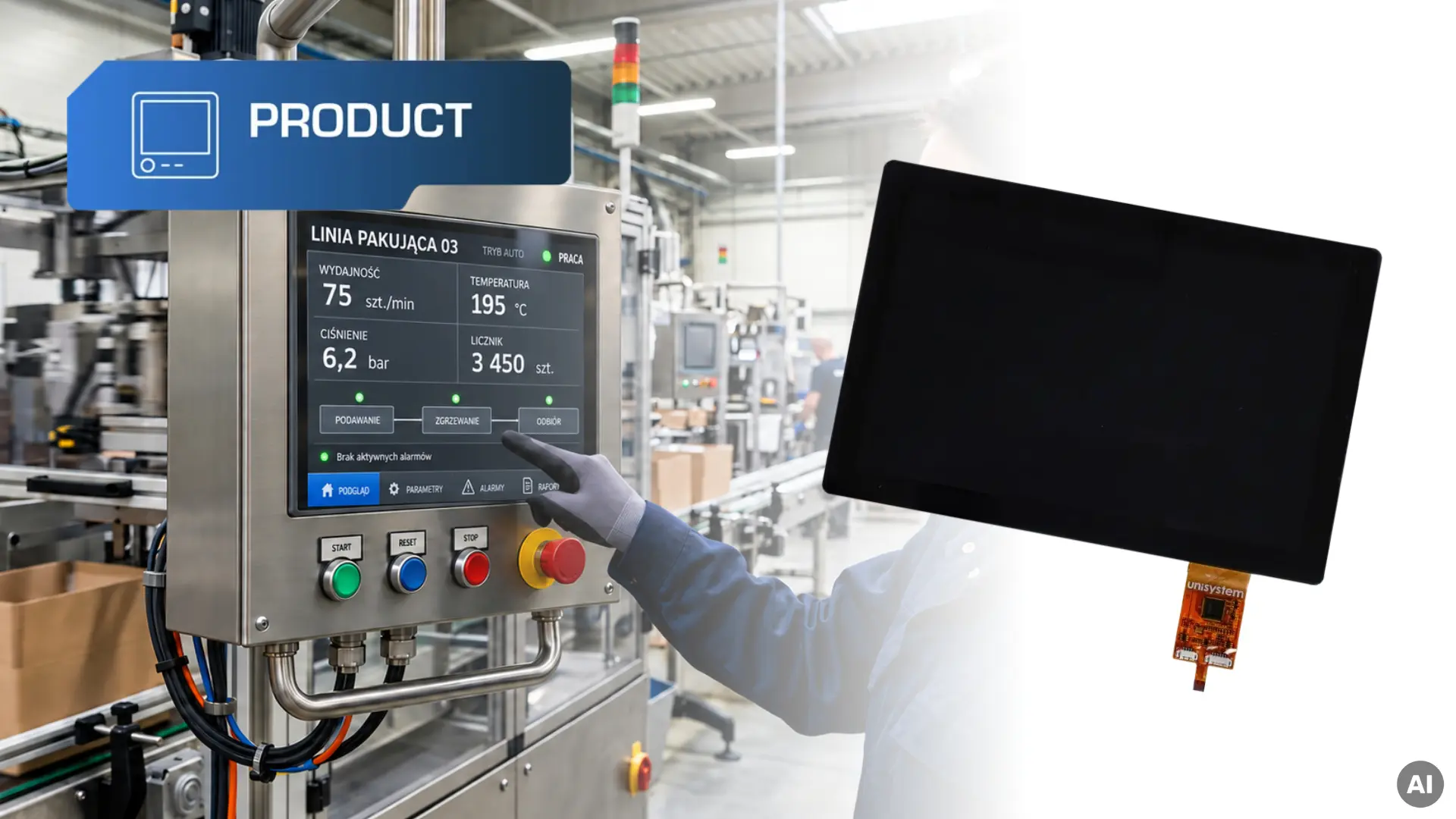
- Industrial automation – machine operator panels, production line control consoles and industrial monitors for integration into equipment,
- Quality control and testing – machine vision inspection stations and component testing devices,
- Indoor information systems – compact information totems displaying building plans and queue management screens.
EV156FHM-N13 as the basis for a customized solution
The EV156FHM-N13 can serve as the basis for a solution tailored to a specific device’s requirements. At Unisystem, our work extends beyond supplying individual components. Our Solution team combines expertise in electronics, mechanical design and software to develop complete solutions that account for both the display’s parameters and its integration with the other parts of the device.
We define the scope of customization individually for each project. It may include integrating the display with a touch panel and cover glass, selecting suitable optical layers, designing control electronics and developing mechanical components, including mounts and enclosures. For solutions with a touch panel, we also tune its controller to account for factors such as cover glass thickness and the expected operating conditions. We assess the feasibility of each modification against the selected module’s design and specifications.
We manage projects from requirements analysis and component selection through design, prototyping and testing to preparation for series production.
Designing a device with a display? At Unisystem, we can help you select a solution tailored to your application requirements. Contact us to discuss your project and explore the available options.