Article summary generated by AI — it may contain errors.
Table of contents
The user interface connects people with machines, shaping how convenient and intuitive a device is to operate. Increasingly, the touchscreen is central, combining information presentation with control functions. Reliable operation, however, requires careful consideration of the application’s requirements, including display and touch technology choices, environmental conditions, and immunity to interference. What should you consider when designing a touch interface?
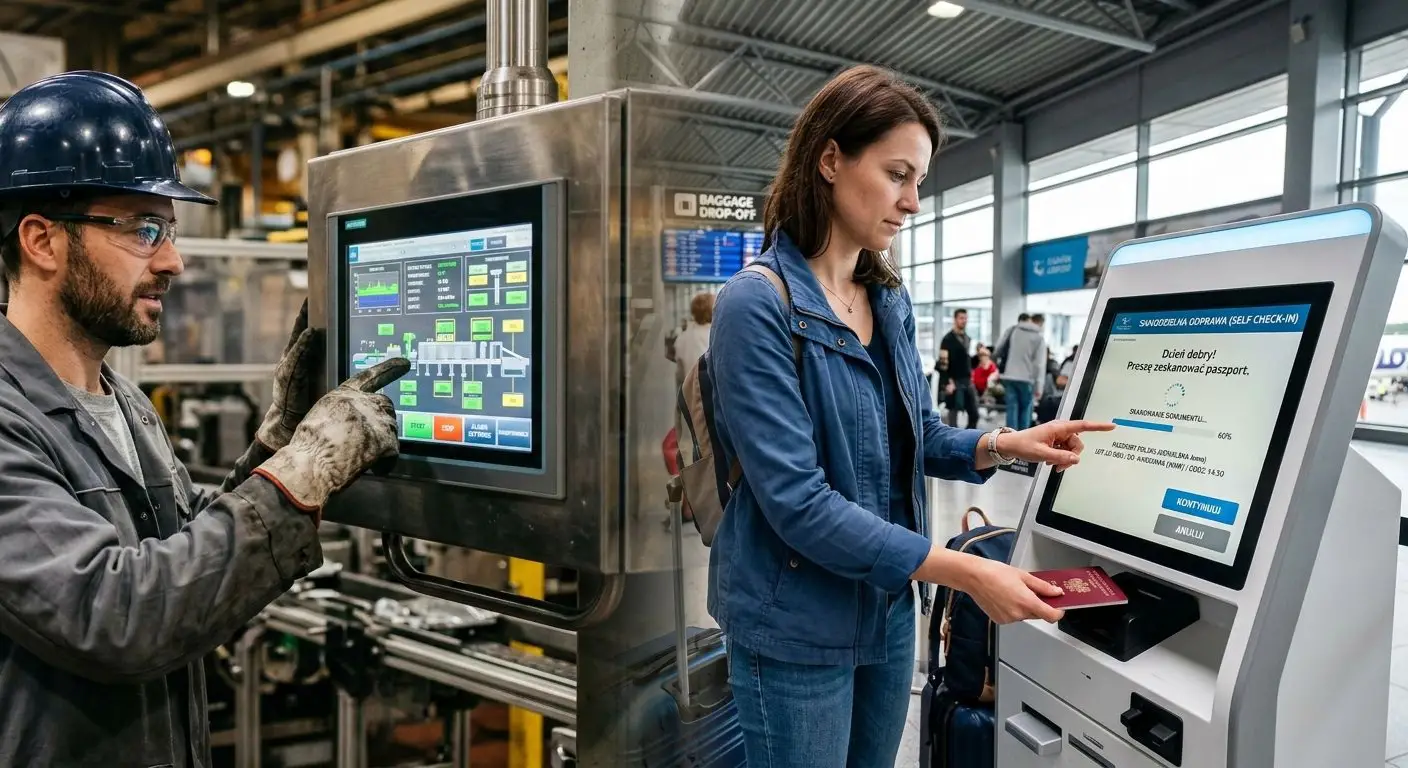
Traditional user interfaces primarily rely on mechanical components such as buttons, switches, knobs, and keyboards. Each serves a specific function and requires physical movement to operate. These solutions are relatively simple, provide tactile feedback, and are especially useful when users need to act without looking at the control panel.
An alternative is an electronic interface built around a display, often combined with a touch panel in many applications. This moves buttons and other controls directly onto the screen, combining information presentation with device operation. One of touchscreens’ main advantages is their versatility: a single display can support multiple functions, and the interface layout can change with the task. You can also change its appearance and functionality without redesigning the device’s front panel.
Where others see room for another button, we often see an opportunity to integrate a screen. The final choice, however, should always reflect the device’s requirements and its users’ needs.
Choosing display technology for the user interface
Monochrome OLED displays can be a good choice for small devices that present basic information and provide access to a few functions. For more complex interfaces that need to show more data, graphics, or controls, consider TFT LCDs. Both technologies can be combined with touch panels and cover glass to create complete modules tailored to specific application requirements.
Choosing the right display technology involves more than the amount and type of information presented or the complexity of the interface. Equally important are how the device will be operated and the conditions in which it will work. These include ambient light levels, temperature range, humidity, exposure to water and contaminants, vibration, and electromagnetic interference. Consider all these factors when selecting the display and planning its integration into the end device.
Want to learn more about display selection? Read our three-part guide by Unisystem, which covers the key selection criteria:
- Part 1 – technological basics and types of displays
- Part 2 – dimensions, formats and device integration
- Part 3 – operation, durability and additional features
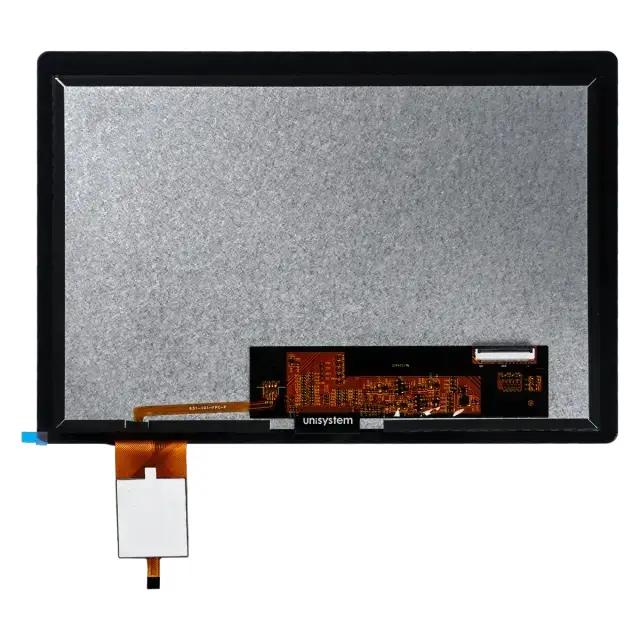
Touch panels
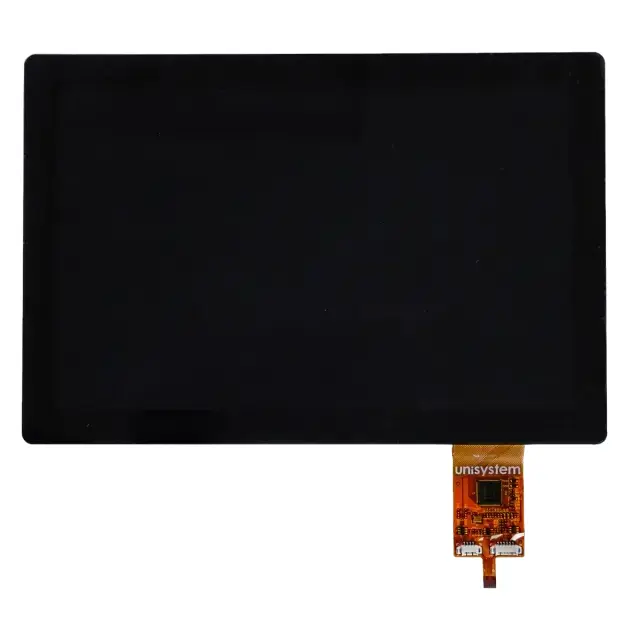
Several touch technologies are available, including resistive, capacitive and infrared (IR). Each has its own characteristics and applications, but projected capacitive (PCAP) touch panels are currently among the most widely used solutions.
PCAP touch panels detect changes in electrical capacitance. They contain a grid of transparent electrodes, with an electric field generated between them. When a user’s finger approaches or touches the panel surface, it alters the electric field and causes a local change in capacitance. The touch controller detects this change and uses the signals to determine the touch point’s location. Multi-touch panels can detect several touch points simultaneously.
Capacitive touch panels offer high touch accuracy and smooth, convenient device operation. However, external factors can affect their performance and, under certain conditions, interfere with accurate touch detection.
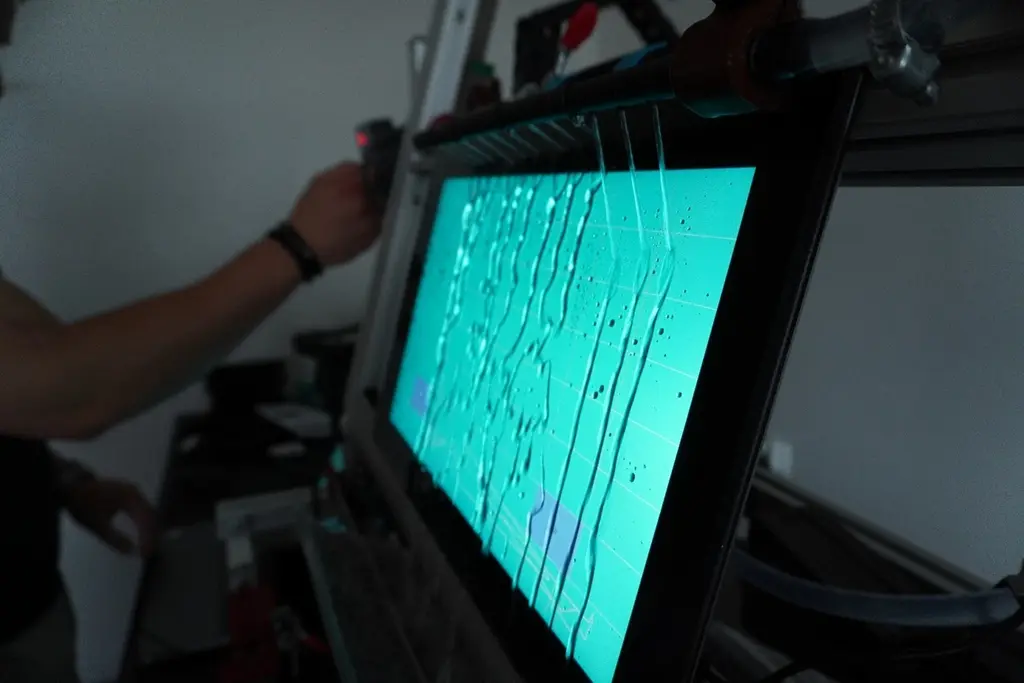
Touchscreens exposed to water, oils, and greases
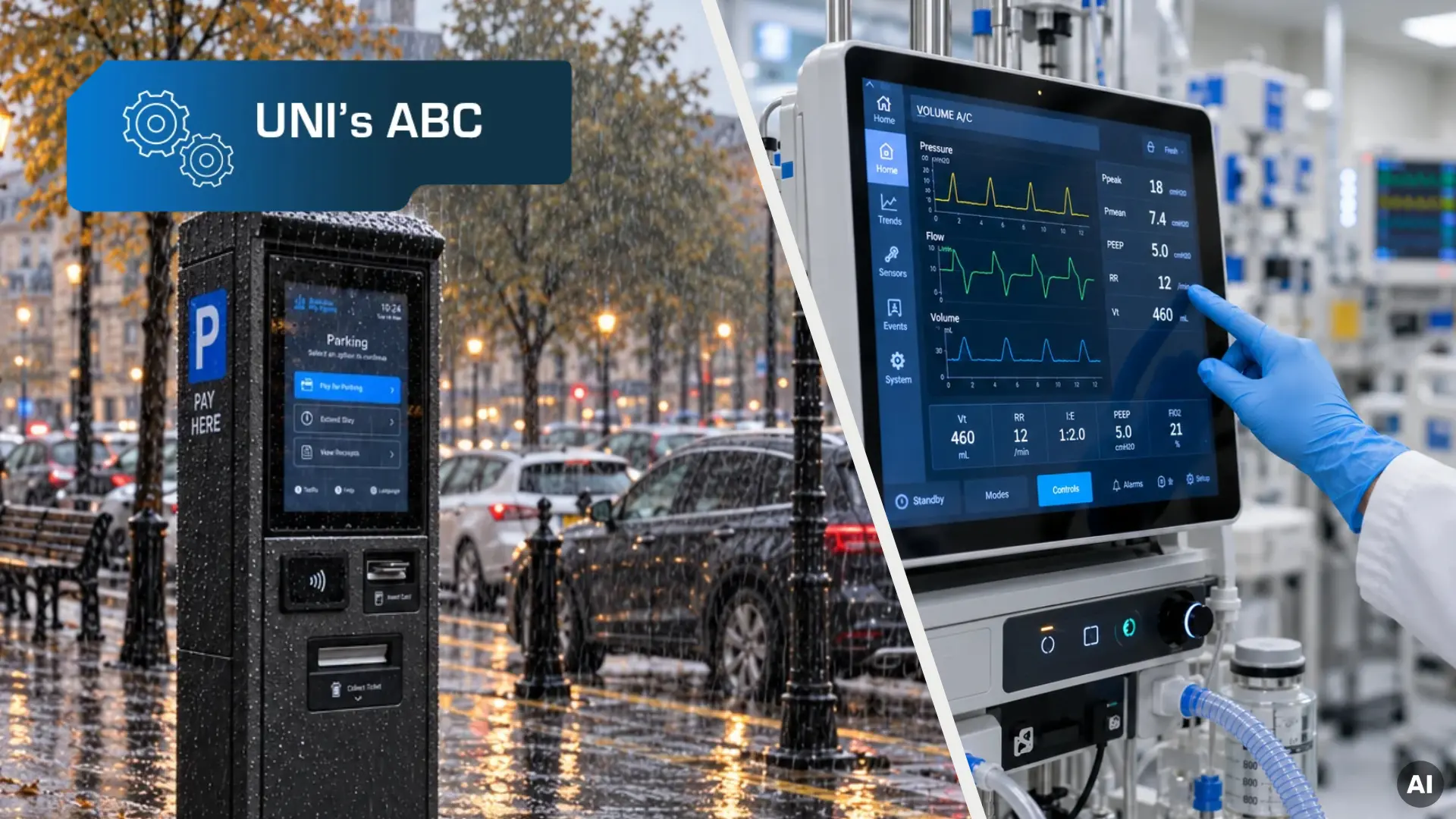
One challenge with capacitive touch panels is ensuring reliable operation in environments where the screen surface may contact various liquids. Examples include outdoor devices exposed to rain and snow, commercial kitchen equipment whose surfaces may become contaminated with cooking oils, and industrial equipment used in environments where greases are present.
Liquids on the panel surface can interfere with touch detection. Water containing dissolved salts and other impurities can alter the electric field, causing false touch inputs (ghost touches) or making actual touches harder to detect. Oils and greases behave somewhat differently, as they typically have low electrical conductivity. However, they can leave a contaminating layer on the panel surface, making operation more difficult. Their effect depends, among other factors, on the substance’s chemical composition.
This does not mean that capacitive touchscreens are unsuitable for such conditions. Selecting the right touch controller and tuning its parameters to the application are essential. Advanced controllers can use algorithms that reduce water’s effects on panel performance, allowing operation even when the surface is wet. The effectiveness of these solutions depends on the components used and how they’re configured, so verify them under conditions that match the device’s intended operating environment.
Operating touchscreens with gloves
Another key consideration in industrial applications is operating a device without removing gloves.
Contrary to common belief, capacitive touch panels do not necessarily require direct contact with bare skin. A correctly selected and configured panel can also detect touch through thin gloves, such as latex or nitrile gloves. However, touch detection depends on the glove material and thickness, which affect the signal strength the controller detects.
Glove operation therefore requires selecting the right panel and controller and tuning touch-detection parameters. Consider the specific type of gloves used in the intended application.
Electromagnetic interference and touch panel performance
Capacitive touch panels can also be affected by electromagnetic interference (EMI) generated by components within the device or equipment in its surroundings. EMI can cause false touch detection, unstable touch coordinates, or no response to user input.
Reducing these problems requires careful overall device design. Key factors include selecting a controller with sufficient noise immunity, shielding, electrical connection routing, grounding, and the module’s power-supply design. Tuning controller parameters and using available noise-filtering mechanisms are also important. However, configuration changes alone cannot compensate for poor electrical and mechanical design.
Therefore, incorporate measures to reduce electromagnetic interference during interface design. Verify their effectiveness through electromagnetic compatibility (EMC) testing of the complete device.
Cover glass – protecting the screen against damage
Alongside reliable touch panel operation, the entire interface needs protection against mechanical damage. This is particularly important for devices installed in public spaces, such as self-service terminals, ticket machines, parking payment terminals, parcel lockers, freestanding digital signage units and information kiosks. Their screens must withstand intensive use and mechanical stresses, including vibration and impacts, as well as deliberate attempts to cause damage.
Cover glass is a key protective element. You can tailor its properties to the application by selecting the right material, thickness, and strengthening method. Depending on the requirements, options include chemically strengthened or thermally tempered glass. However, the finished assembly’s durability depends not only on the glass’s properties, but also on how it is mounted, supported, and joined to the device’s other components. Cover glass thickness also affects touch detection. Thicker glass can weaken the signal the controller detects. Therefore, its selection should account for mechanical requirements, touch panel specifications, and controller capabilities.

Combining touch and mechanical controls
Although a touch interface can take over many functions of a traditional control panel, retaining mechanical controls is advisable, and sometimes necessary, in certain applications. This is especially true for industrial machinery, where operators must be able to perform specific actions immediately, regardless of what information is currently displayed. Emergency stop buttons are one example, as they must meet specific safety requirements. An on-screen button therefore cannot replace a physical emergency stop button that forms part of a properly designed machine safety system.
Combining a display module with mechanical buttons does not mean giving up a unified front panel design. Cover glass can be customized to the project’s requirements in terms of shape, dimensions, and finish. You can also incorporate printed graphics and cutouts for buttons, knobs, and other controls. This creates an integrated interface combining electronic and mechanical elements, with operation tailored to the device without limiting the design to a single technology.
Design your user interface with Unisystem
Selecting a display is only the beginning. Creating a functional, reliable user interface requires careful coordination of the touch panel, controller configuration, cover glass design, and integration of the complete assembly into the device.
At Unisystem, we have experience in designing and delivering complete HMI solutions tailored to individual application requirements. We support customers at every stage of their projects, including component selection, concept development, prototyping, testing, and preparation for series production.
Have an idea for a user interface? Contact us – together we can develop a solution that meets your device’s and your users’ requirements.
Jacek Marcinkowski
CTO, Unisystem