Article summary generated by AI — it may contain errors.
Table of contents
The role of a display in an EV charger depends on the device design, the range of functions it supports and the way users interact with it. Choosing the right display requires considering not only screen size and technology, but also the operating environment – including ambient light, environmental conditions and intensity of use.
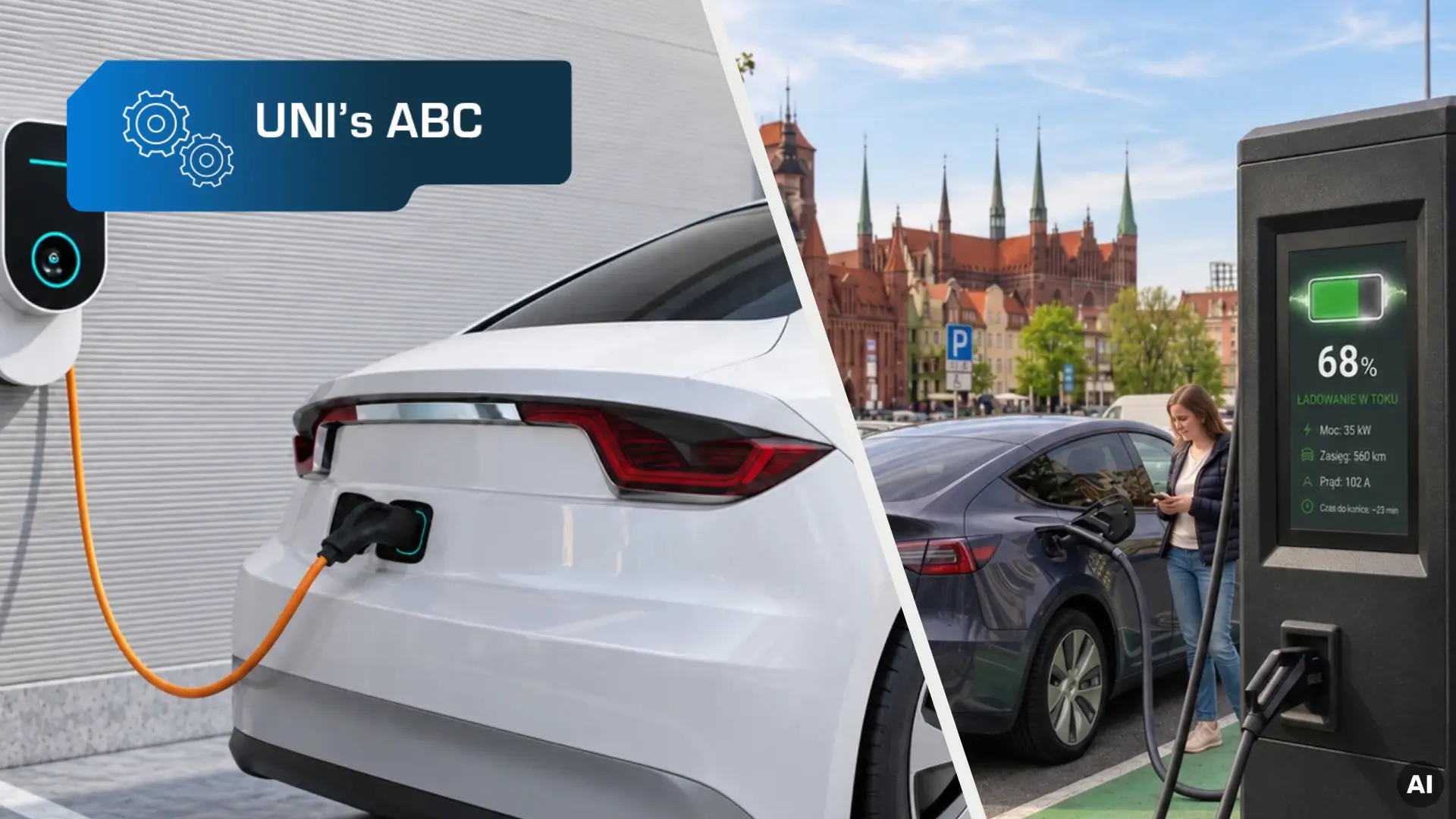
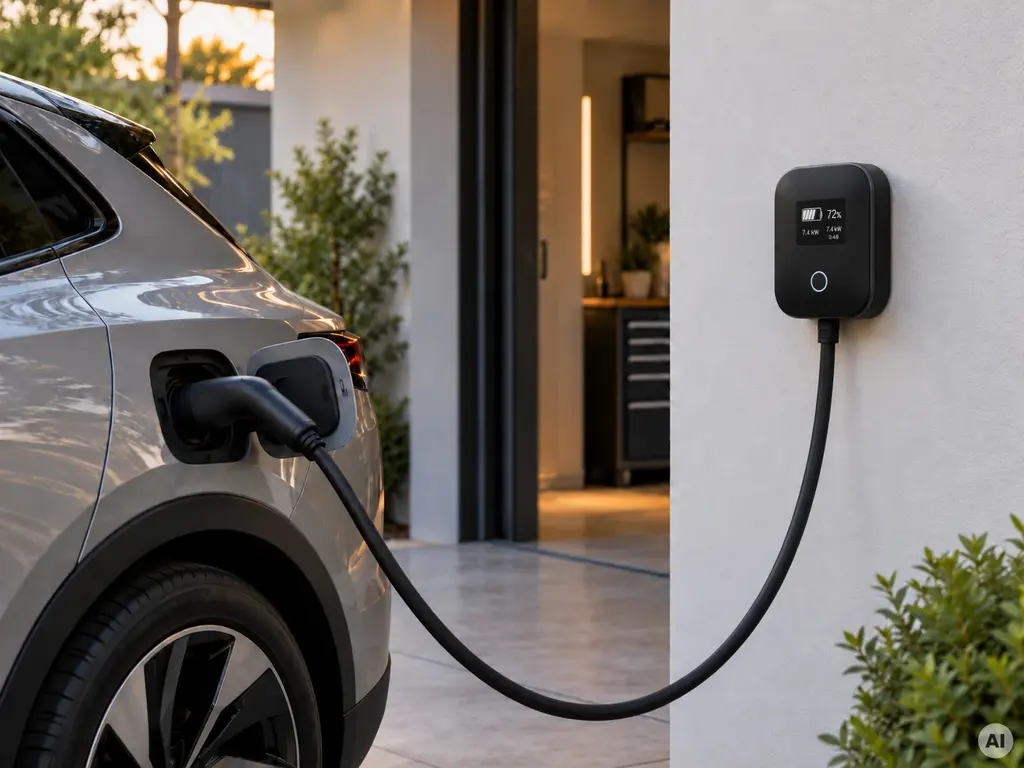
EV chargers can vary significantly in both design and functionality. At one end of the spectrum are compact units installed at homes, office buildings or multi-family residential properties, where the interface may be limited to essential information such as charging status, key parameters or error messages. At the other are public charging stations located in places such as retail and service car parks, petrol stations or along major roads. In these applications, the display often serves as the main HMI, guiding users through the different stages of the charging process.
Different applications place different demands on display technology. Drawing on many years of experience in information visualisation projects, we outline the solutions best suited to each type of charger.
Compact chargers
In compact chargers, the display does not need to support a complex user interface. Its role may be limited to presenting essential information such as device status, charging parameters, session duration, energy delivered, as well as user messages and instructions. For this type of application, a monochrome OLED display can be an effective solution.
One of the key advantages of OLED technology is its self-emissive design – each pixel generates its own light, eliminating the need for a separate backlight. This enables slim modules with high contrast and wide viewing angles, ensuring excellent readability of status information, symbols and key parameters. Their small form factor also simplifies integration with the front panel and provides greater flexibility when designing the device enclosure.
OLED modules are available with wide operating temperature ranges, making them suitable for both indoor and outdoor devices.
Explore OLED displays in our catalogue.
Freestanding charging stations
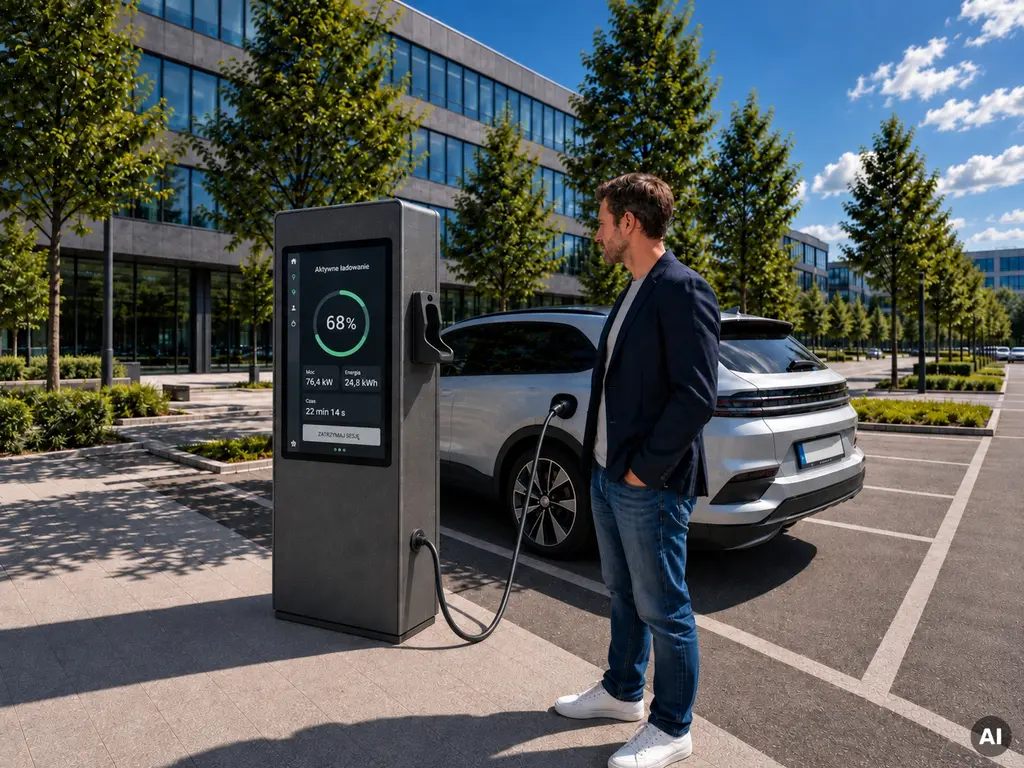
In freestanding charging stations, the display often serves as the main interface between the device and the user. Beyond showing the charging status, it may provide instructions, session details, pricing and payment information, authorisation prompts and diagnostic messages.
When more content needs to be presented, a TFT LCD is a natural choice. Screen size should be selected based on the amount and type of information, the interface layout and the way users interact with the device. A 10.1″ screen may be sufficient for simpler HMIs, while 12.1″ or 15.6″ formats offer more space for complex navigation, additional content and larger interactive elements. These displays are also often combined with capacitive touch panels, allowing the same surface to be used for both presenting information and controlling the charger.
Outdoor installations place additional demands on the HMI. TFT LCD remains one of the most widely used display technologies for this type of application, but its parameters must be carefully matched to the operating environment. Key factors include lighting conditions, environmental exposure, electromagnetic interference and intensity of use.
Lighting conditions
One of the main challenges of using a TFT LCD outdoors is the wide variation in ambient light. The same screen may operate in relatively low light in the morning and evening, then in full sunlight during the day. Display selection should therefore take into account the entire range of lighting conditions expected in the target application.
Brightness is one of the key parameters. Outdoor applications typically use displays with luminance levels of at least 1000 cd/m², while locations exposed to direct sunlight may require 2000–2500 cd/m² or more. High brightness is essential for maintaining good readability, but it is not the only factor to consider. Contrast is equally important, as it determines how clearly bright and dark image elements can be distinguished. Under strong ambient light, insufficient contrast can reduce the visibility of text, icons and other interface elements.
The optical stack also plays an important role. In applications exposed to strong sunlight, optical bonding is worth considering. It involves bonding the display, touch panel and protective glass across their entire surface using a transparent optical material. Eliminating the air gap reduces internal reflections within the module. AG (Anti-Glare) or AR (Anti-Reflective) coatings can also be applied to the glass surface to minimise reflections. Together, these solutions help improve image readability, particularly in bright environments.
Protection against the effects of sun exposure
Prolonged exposure to sunlight can cause the display surface to heat up significantly. In TFT LCDs, elevated temperatures may affect image quality and, in extreme cases, lead to so-called blackening – a temporary darkening of the image.
One solution used in displays designed for highly sun-exposed locations is Hi-Tni technology. It uses liquid crystals with a higher phase transition temperature, helping the panel maintain its optical properties even when the screen surface becomes significantly heated by solar radiation.
Additional protective layers can also be used to reduce the impact of sunlight. An anti-UV layer limits the effects of ultraviolet radiation, helping protect optical materials against accelerated ageing and degradation. An IR layer reduces the transmission of infrared radiation, helping limit heat build-up during direct exposure to sunlight.
Environmental conditions
Freestanding charging stations operate in changing environmental conditions, so HMI design needs to account for temperature fluctuations, precipitation and contaminants present at the installation site.
In addition to heat generated by direct sunlight, the device must also cope with changes in ambient temperature. The operating temperature range can affect both the display and the touch panel, so components should be selected accordingly. The thermal design of the complete device is equally important. Depending on thermal load, passive cooling – such as heat sinks and heat dissipation through the enclosure – or active cooling using fans may be required. Component placement and proper airflow also play an important role.
Rain, snow and surface contamination can be particularly challenging for capacitive touch panels. Water and other substances on the screen may interfere with capacitance measurement, leading to incorrect touch detection or so-called ghost touch – unintended interface activations without actual contact with the screen. Touch panel calibration is therefore an important part of preparing the HMI for its target application. Using a suitable controller, parameters such as sensitivity and filtering can be adjusted to account for protective glass thickness, operating conditions and the way users interact with the device.

Electromagnetic interference
In EV chargers, the display operates close to power electronics responsible for energy conversion and delivery, making electromagnetic compatibility an important aspect of HMI design.
Electromagnetic interference can affect both touch panel performance and image transmission between the control unit and the display. Its impact depends not only on the interface used, but also on PCB design, trace routing, cable length, shielding and power supply design. If these elements are not properly engineered, the HMI may show symptoms such as image flickering, artefacts, temporary signal loss or unstable touch operation, including unintended activations.
For this reason, the complete HMI should be tested in the final device configuration under conditions that closely reflect real-world operation.
Intensive use
Public charging stations are self-service devices that often operate around the clock and remain in service for many years. In such applications, component durability is critical, particularly for the display, its backlight and other HMI elements. One parameter commonly used to assess reliability is MTBF, a statistical measure of the mean time between failures.
The front panel also needs to withstand the physical demands of everyday use. It may be exposed to pressure, accidental impacts or deliberate attempts to damage the device, making appropriately selected protective glass an important part of the design. Its effectiveness depends on factors such as glass thickness, the way it is integrated with the touch panel and display, as well as the mechanical design and mounting of the complete module.
The mechanical resistance of the display itself should not be treated as equivalent to that of the complete device. Final performance depends on the design of the entire front panel and enclosure, the mounting method and the integration of all components.
Unisystem TFT LCDs for EV chargers
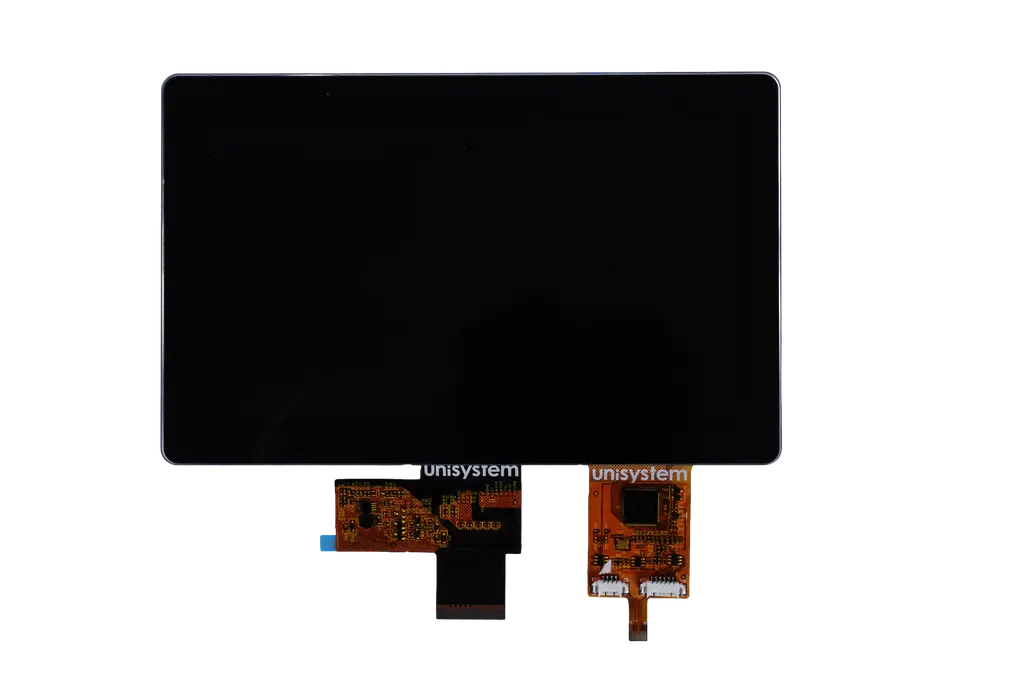
At Unisystem, we have developed our own TFT LCD lines – Lite, Core and Pro – divided according to their intended applications. Each line addresses a different level of environmental and operational requirements, making it easier to select a solution suited to a specific project.
For freestanding EV charging stations, models from the Pro line are particularly well suited, as they were developed for demanding outdoor applications. They are available in 7.0″, 10.1″, 12.1″ and 15.6″ sizes, with a nominal panel brightness of 2000 cd/m². The modules also feature an anti-UV layer, while selected variants are available with an additional IR layer.
Touch versions use capacitive touch panels combined with the ILI2520 controller from ILITEK, allowing touch parameters to be configured according to the requirements of a specific application. These variants offer a minimum brightness of 1700 cd/m². Optical bonding is standard, while 4 mm protective glass provides the module with IK08 mechanical resistance.
This combination of parameters is well suited to the requirements of equipment designed for outdoor operation, making the Pro line a solid platform for developing outdoor solutions.
Learn more about the Lite, Core and Pro TFT LCD lines.
Designing an EV charger? Contact us – together, we can develop a complete HMI solution combining a display, touch panel, protective glass and additional peripheral components, tailored to the requirements of your application.