Article summary generated by AI — it may contain errors.
Table of contents
In one of our recent articles, we explained what HMI applications are. Today, we would like to go one step further and discuss how to choose a display for a human-machine interface application. The screen is often the main point of contact between the operator and the machine. It presents process data, messages, alarms, operating parameters, and device statuses. In many applications, it also enables users to operate, configure, and manage the system. In this article, we discuss the key criteria for selecting a display for HMI applications, including interface readability, lighting conditions, touch technology, mechanical resistance, and stable operation in the target environment.
Different display technologies can be used in HMI applications – including LCD, OLED, and even EPD, or electronic paper. The optimal solution depends on factors such as:
- the type of information displayed,
- interface dynamics,
- lighting conditions,
- the way the device is operated,
- available installation space,
- required mechanical resistance,
- the device’s operating environment.
A different screen will work best in a simple temperature controller, another in an operator panel on a production line, and yet another in a portable measuring device. This is why display selection for HMI should not be treated merely as a choice of technology, but as part of the design process for the entire device.
What is HMI?
HMI, or human-machine interface, is an interface that enables a person to communicate with a machine, device, or control system. It acts as a layer that converts machine data into clear, operator-friendly information, while turning user actions into commands the system can execute.
An HMI allows the operator to check what is happening with the machine and respond accordingly. It can display, among other things, the current device status, temperature, operating speed, filling level, alarm messages, production data, and event history.
From an HMI panel, the user can control the machine, device, or system – start a process, adjust parameters, select an operating mode, acknowledge an alarm, or access diagnostics.
Learn more about HMI in our guide to HMI applications: What is HMI? A guide to human-machine interfaces in industry.
Examples of HMI applications
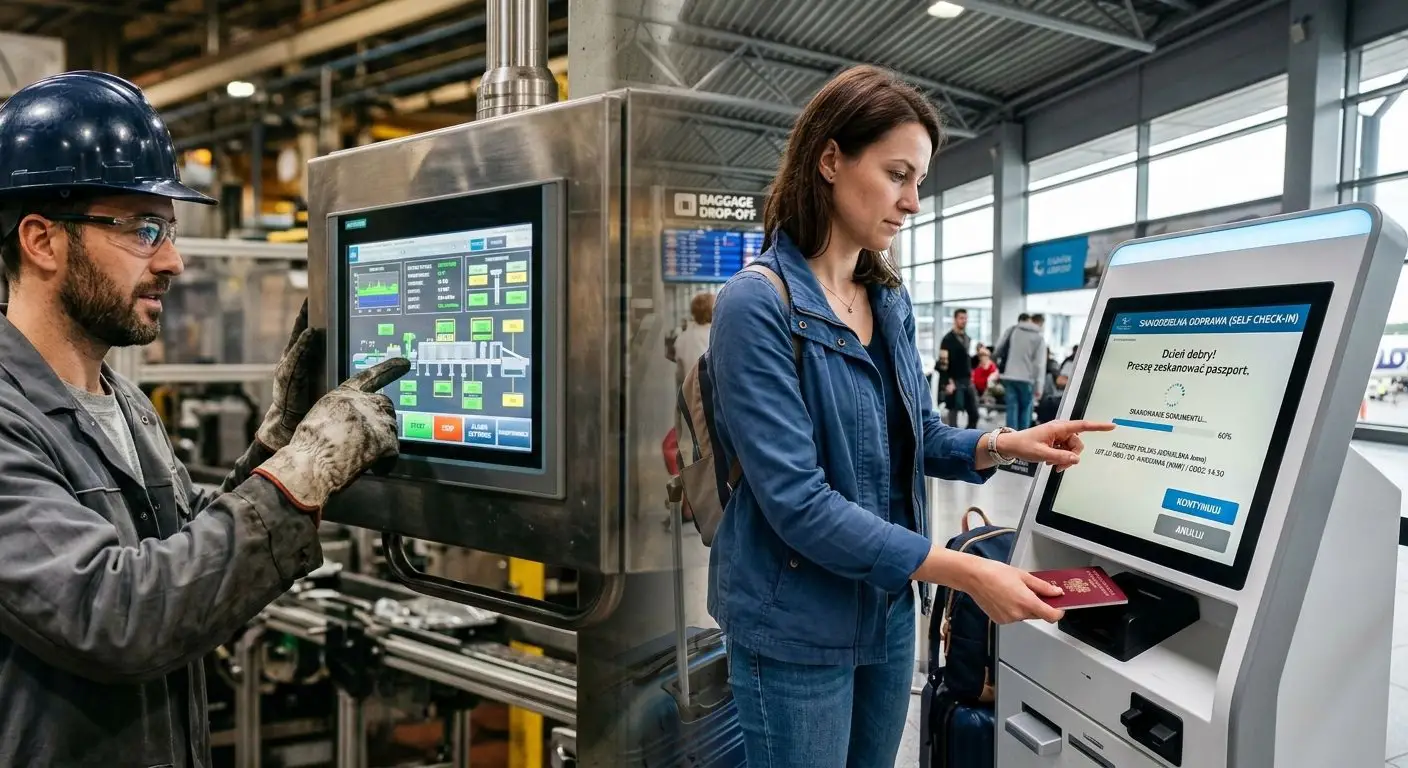
HMI applications are used across many industries. Their form can vary significantly – from simple displays showing just a few status messages to operator screens presenting complex production data, alarms, trends, system diagrams, or machine operating parameters.
HMI in industry
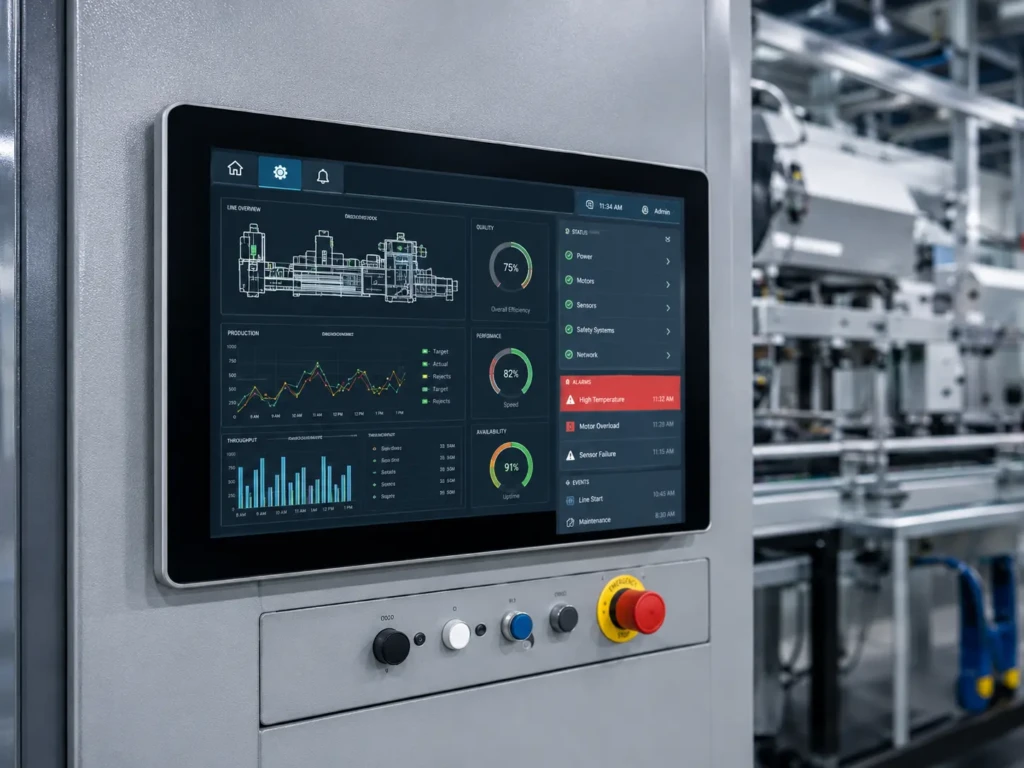
In industrial environments, HMI acts as the communication hub between the operator and the machine. Screens are used, among others, in machine operator panels, assembly stations, CNC centers, packaging lines, palletizing systems, and SCADA/HMI applications for production halls. They allow users to select operating programs, control process parameters, reset errors, monitor performance, display alarms, and check the current status of the device.
In such applications, the following aspects are particularly important:
- real-time data readability,
- resistance to intensive use,
- the ability to operate in an industrial environment,
- intuitive operation for the operator,
- quick identification of errors, alarms, and states requiring operator response.
Energy and infrastructure
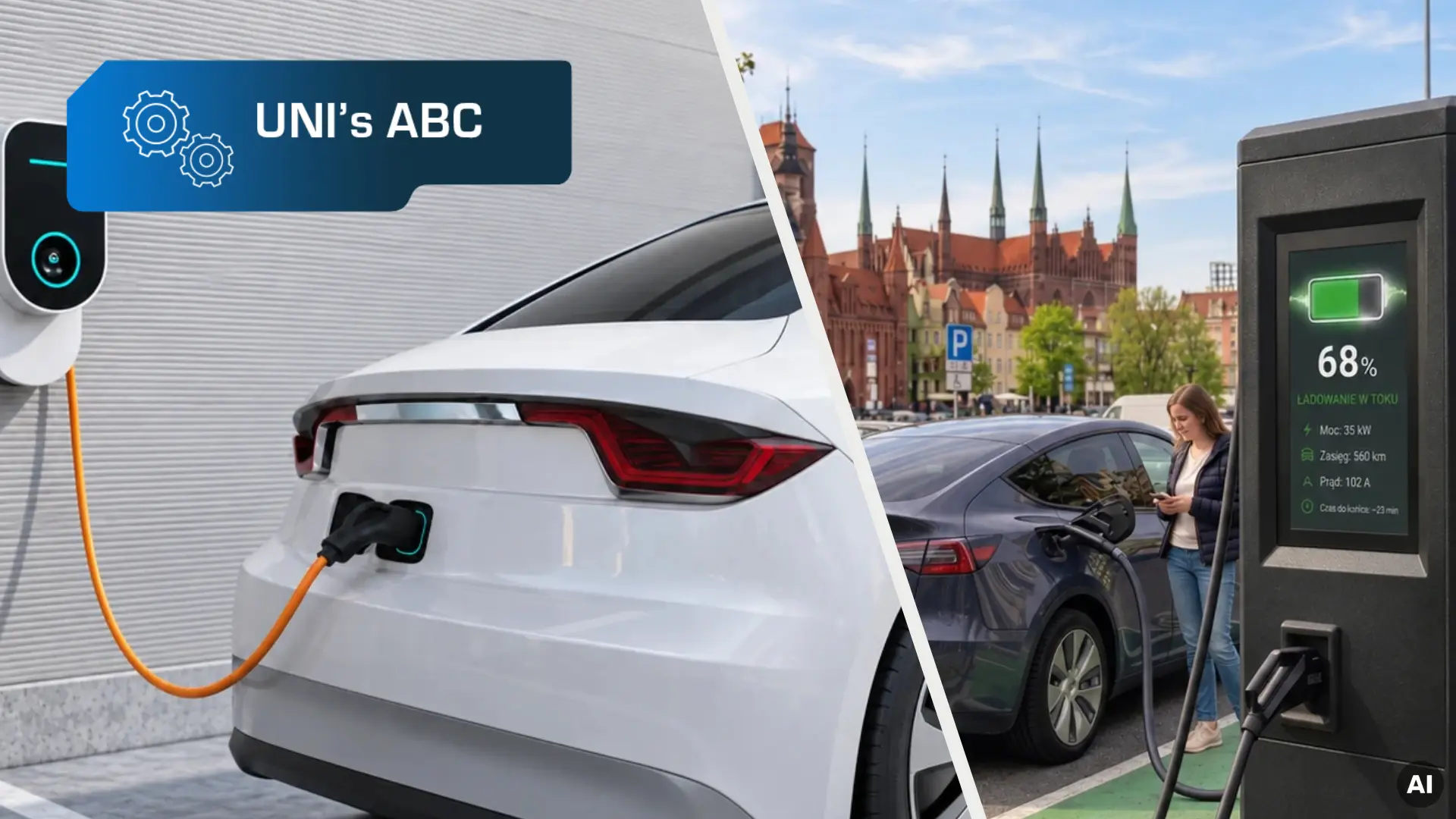
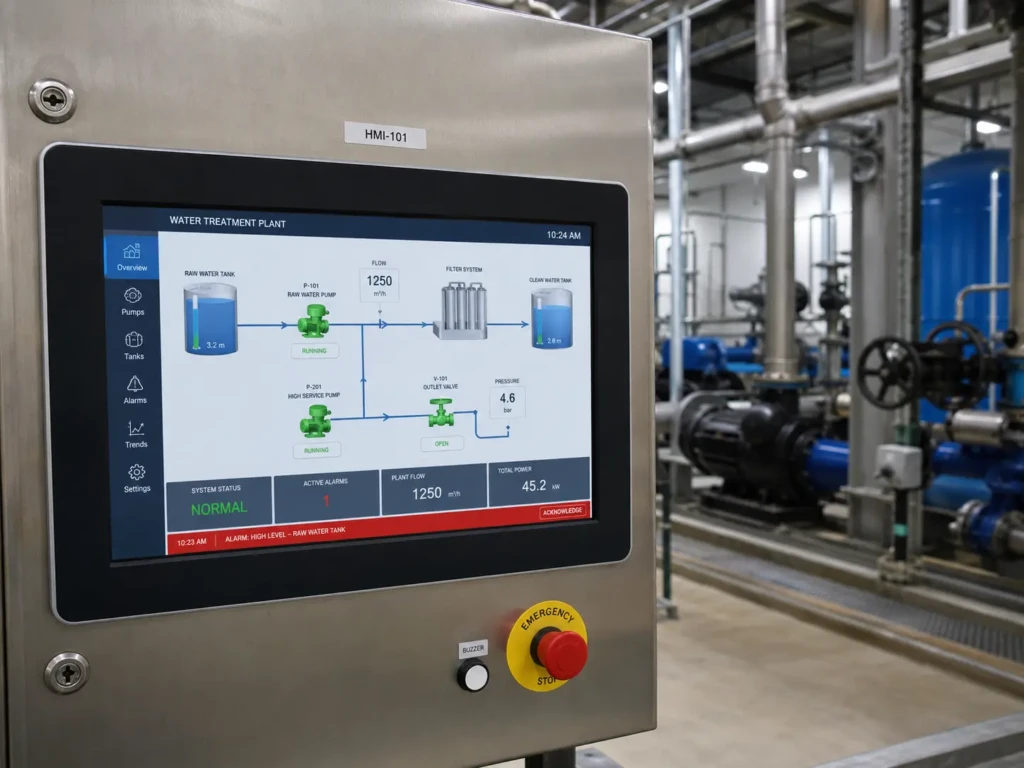
In the energy and infrastructure sectors, HMI supports supervision of systems that often need to operate continuously and reliably. Screens may be used in applications related to photovoltaic farms, wind turbines, water treatment stations, telemetry systems, power supply systems, or municipal infrastructure. The display can present energy production, inverter temperature, flow rates, liquid levels, valve statuses, alarm messages, or fault information.
In this case, HMI does more than simply display data – it helps users respond quickly to deviations from the norm, failures, or changes in system operating parameters.
Building automation – smart home and smart office
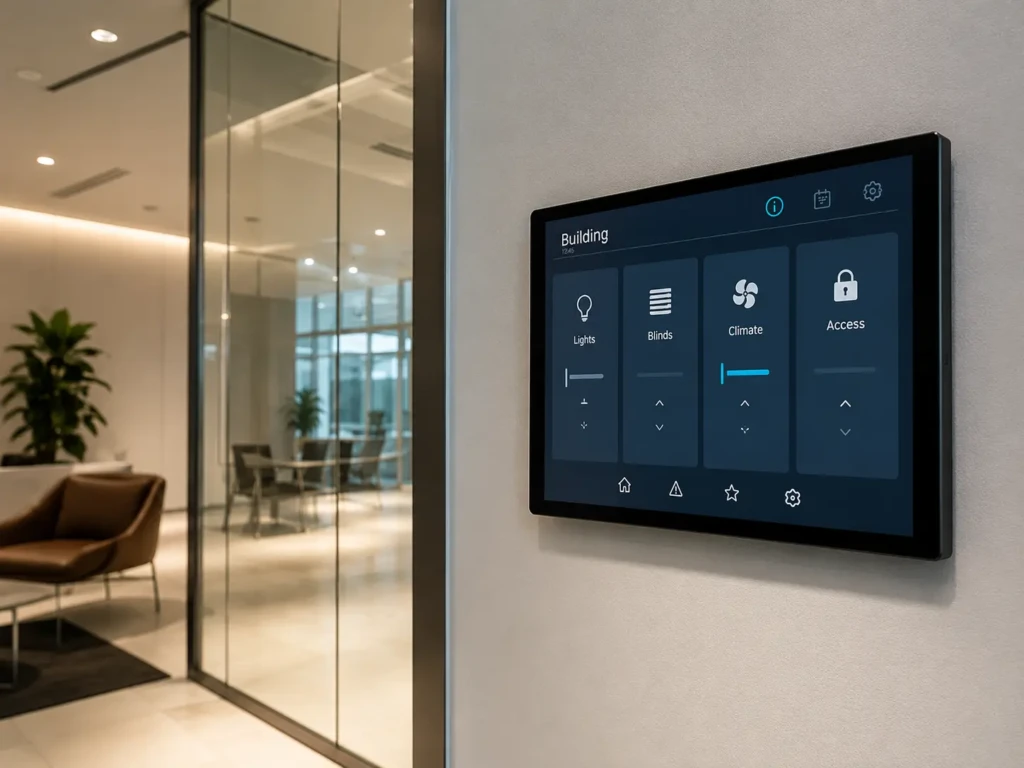
In building automation, HMI is most commonly used in wall-mounted panels, thermostats, HVAC systems, alarm systems, access control panels, and BMS interfaces. BMS, or Building Management System, is a system that integrates various building installations – including lighting, heating, ventilation, air conditioning, security, and access control – and allows them to be monitored from a single level. From such a screen, the user can control temperature, ventilation, lighting, alarms, room access, or other building functions.
In this type of application, the display should above all be readable, aesthetically pleasing, and convenient in everyday use. The right size, good viewing angles, stable operation under changing lighting conditions, and intuitive presentation of the building’s key functions are also important. In building automation, the screen is often installed in a visible location, so it should fit well into both the device design and the wider usable space.
Mobile machines and vehicles
In agricultural machinery, construction equipment, and other specialist vehicles, HMI screens are responsible for presenting operating data, system statuses, diagnostic messages, drive settings, air-conditioning settings, and vehicle parameters.
In such applications, the screen must be adapted to more demanding operating conditions. The most important factors include:
- readability under changing lighting conditions,
- wide viewing angles,
- resistance to vibration and shock,
- stable operation across various temperatures,
- convenient operation in the field.

HMI in medical devices
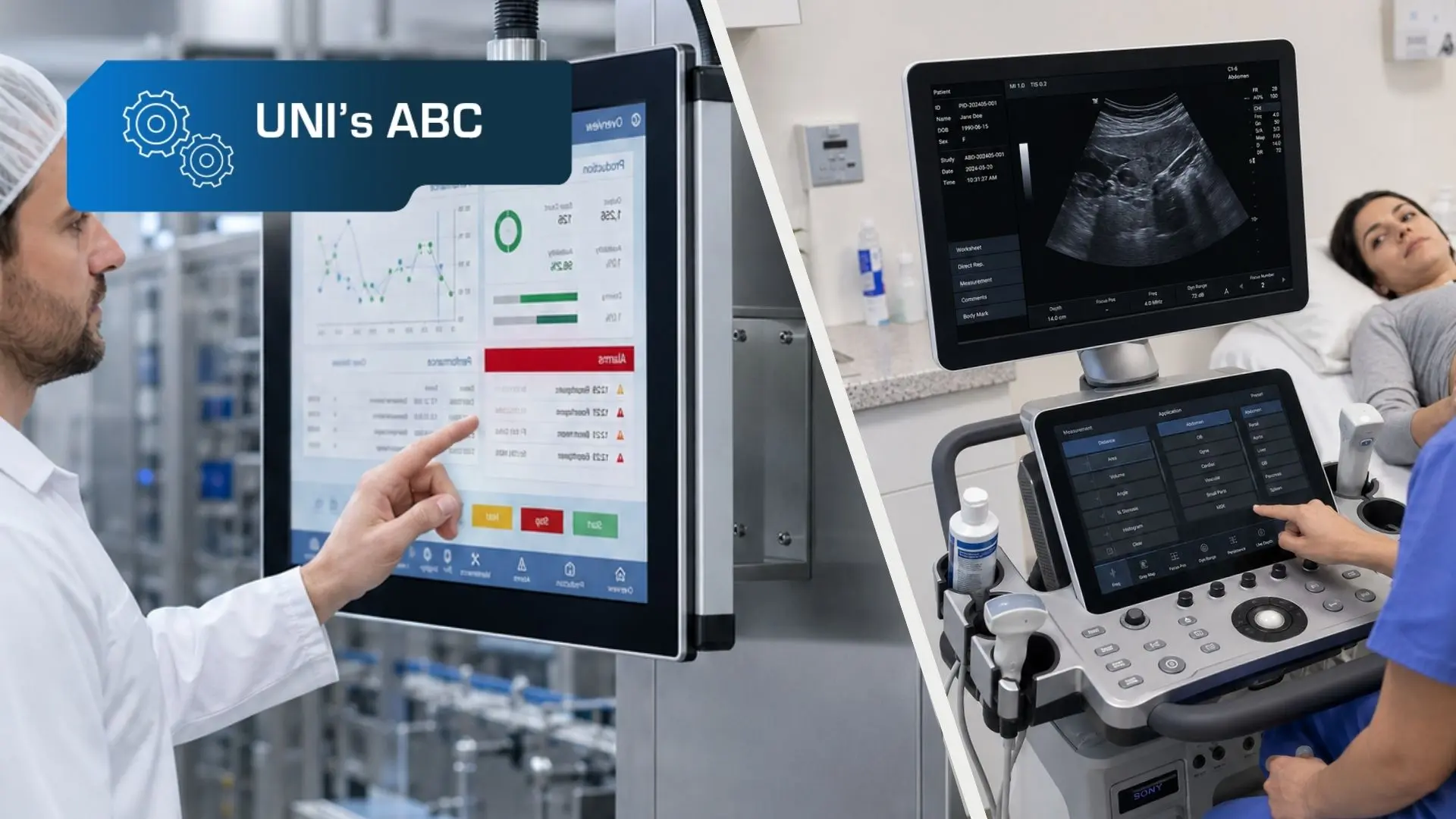
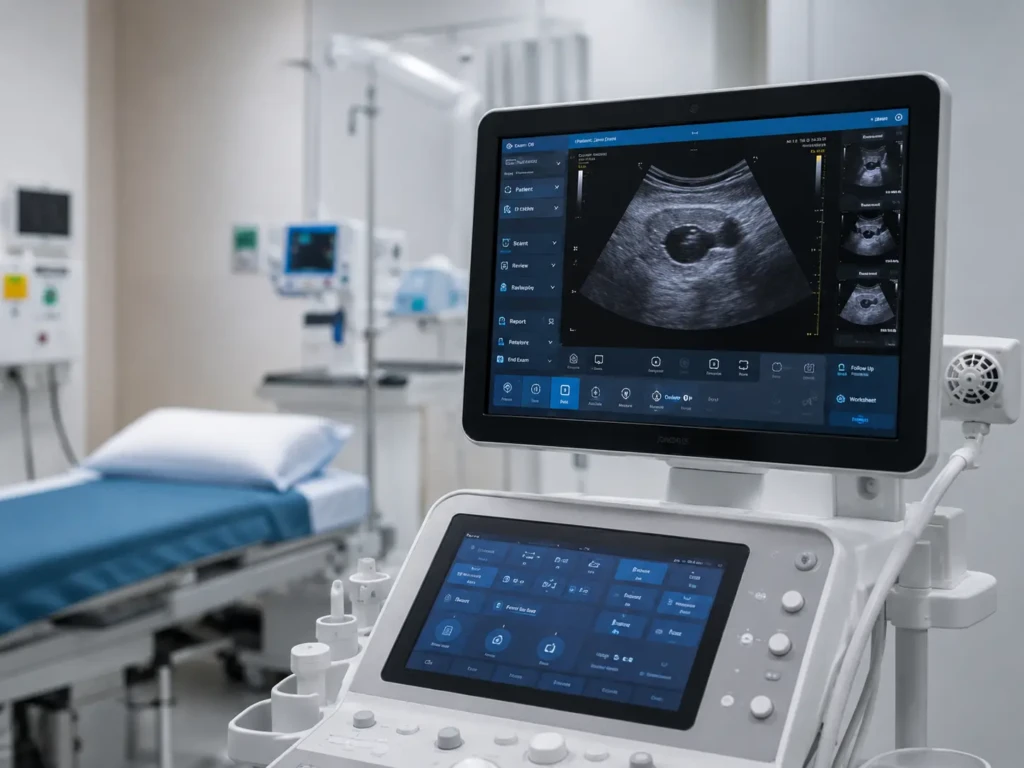
In medical devices, HMI is used to present measurement results, operating statuses, alarms, procedure parameters, service messages, or diagnostic data. It may be part of diagnostic devices, analyzers, dosing systems, incubators, or measuring equipment, for example.
In this type of application, the precision of the information displayed, good readability, reliability, and ease of use are particularly important. The screen should support users in quickly reading data and reduce the risk of misinterpreting messages.
In the case of medical devices, regulatory requirements may also apply, including standards from the IEC 60601 series, which concern the safety of medical electrical equipment, and IEC 62366-1, which relates to usability engineering for medical devices. This means that both the display and the entire user interface should support safe, clear, and reliable device operation.
How to choose a display for an HMI application
The choice of a display for an HMI application should always result from the specifics of the device and the environment in which it will operate. A simple status screen will have different requirements than an advanced operator panel on a production line, and a portable device will have different requirements again.
Before selecting a display type, it is worth answering several questions about the application itself:
- What information will be shown on the screen?
- Will the interface be static or dynamic?
- How will the user operate the device – is touch functionality required?
- Under what lighting conditions will the device operate?
- Will the device be exposed to dirt, dust, liquids, accidental or intentional impacts, vibration, or shock?
- Could electromagnetic interference occur near the screen?
- What temperature range will the device operate in, and will it be exposed to sudden temperature changes?
- How much installation space is available?
- Are additional mechanical elements required, such as buttons, switches, or a keypad?
- How intensively will the device be used – occasionally, cyclically, or continuously?
Only on this basis can the key display parameters for a given application be defined – from readability and brightness, through touch technology and communication interface, to mechanical resistance, temperature resistance, and stable operation in an industrial environment. In the following sections, we discuss the most important factors to consider when designing an HMI device.
To learn more about the differences between specific display technologies – LCD, LCD-TFT, OLED, and EPD – see our separate article on display technologies used in HMI applications.
Interface readability
HMI readability depends not only on the graphic design of the interface, but also on the parameters of the display itself. The key factors include screen size, active area, resolution, contrast, brightness, and viewing angles.
In simple applications where the screen presents single values, short messages, or statuses, a small character or graphic display may be sufficient – for example, a monochrome LCD or OLED display. In more advanced operator panels, where the user needs to read multiple parameters, charts, alarms, recipes, or process diagrams at the same time, LCD-TFTs are usually the best choice.
Lighting conditions
Lighting conditions have a direct impact on the readability of data displayed on an HMI screen, and therefore on the comfort of working with the device. Depending on the visualization technology used, the same interface may perform very well in one environment but require adjusted panel parameters or additional design solutions in another. For this reason, the display should always be selected based on the actual operating conditions.
When selecting a technology, it is worth considering that:
- LCDs require the design and/or parameters to be matched to lighting conditions:
- in monochrome LCDs, the type of backlight and polarizer is particularly important – reflective versions make good use of ambient light, transmissive versions rely on backlighting, and transflective versions combine both approaches;
- in color TFT LCDs – the key factor is properly selected backlight brightness. For example, in brightly lit interiors, it is worth considering a panel with brightness of around 1000 cd/m² or more to ensure optimal content readability;
- OLED displays emit their own light, which provides very high contrast and excellent content readability under various lighting conditions;
- EPDs, due to their paper-like technology, perform very well in intense light, including sunlight, but require additional lighting in low-light conditions.
Touch technology
If the designed HMI is to be operated by touch, the appropriate touch panel technology must be selected. The most common options are capacitive and resistive technology, while in selected cases other, less popular solutions may also be considered, such as IR touch, i.e. infrared touch. Each technology has different operating characteristics, so the choice should be based not only on user expectations, but also on the conditions in which the device will be used.
Important factors include the way the panel will be operated – whether the operator will use a bare hand, gloves made of materials such as latex, nitrile, rubber, or fabric, or an additional tool, such as a stylus. It is also necessary to consider whether substances that may affect the stability of touch operation could appear on the screen surface, such as water, gels, oils, or grease. Other important factors include the required operating precision, intensity of panel use, and the presence of electromagnetic interference in the device environment.
Learn more about capacitive and resistive touch technologies in our article.
Communication interface
When selecting a display for an HMI application, it is also important to consider how data will be transmitted between the display and the device’s control electronics. The communication interface should be matched to the display type, resolution, image refresh rate, connection length, available system resources, and application operating conditions.
In simple devices that present a small amount of data, interfaces such as SPI, I²C, or parallel data buses – for example, an 8-bit 8080 or 6800 interface – are often used. These are suitable for small monochrome LCDs, OLED displays, and EPDs, where the interface does not require high bandwidth. Their advantage is relatively simple integration and a small number of signal lines, while their limitation may be transmission speed.
In the case of LCD-TFTs, especially those with larger diagonals and higher resolutions, interfaces such as RGB, LVDS, MIPI DSI, HDMI, or eDP are more commonly used. They provide the bandwidth needed to support dynamic operator interfaces, but require proper matching to the hardware platform, graphics controller, and cable length.
In some HMI systems, the display may also be part of a broader device communication architecture using buses such as CAN, RS-485, Ethernet, or UART. These are not typical matrix interfaces, but they may be used for communication between the operator panel, controller, or higher-level system.
For this reason, when designing an HMI, it is worth analyzing not only the display itself, but the entire data transmission path – from the source of information, through the control electronics, to the way content is presented on the screen.
Resistance to mechanical damage
In industrial applications, the screen may be exposed to a range of potential mechanical damage – from accidental impacts, pressure, and scratches to contact with tools or other objects present at the device’s place of operation. For this reason, it is worth considering solutions that improve the mechanical resistance of the front section already at the HMI design stage. These may include properly selected protective glass, optical bonding, and a mechanical design adapted to the device’s operating conditions.
Mechanical resistance is sometimes described using an IK rating, but it should not be treated as a parameter of the display itself. The IK scale, described in the IEC 62262 standard, is used to define the resistance of electrical equipment enclosures to external mechanical impacts of a specified energy. This means that when designing an HMI, the entire front of the device must be analyzed: the display, protective glass, frame, module mounting method, front support, and enclosure design. Only a properly designed complete assembly can provide the required resistance to mechanical damage.
Resistance to contamination
In many HMI applications, the screen will operate in an environment where it may be exposed to dust, water, and other industrial substances, such as cleaning agents. These substances may not only settle on the screen surface, but – if the design is not properly prepared – may also penetrate into the display module. To reduce this risk, the front of the device should be properly protected. Important aspects include enclosure design, display mounting method, seal selection, edge protection, and protection of areas particularly vulnerable to contamination ingress. Depending on application requirements, optical bonding may also be used. It eliminates the air gap between module layers and reduces the spaces where dust, moisture, or other contaminants could accumulate.
The level of protection against dust and water is described by the IP rating, defined in the IEC 60529 standard. As with mechanical resistance, however, this is not a parameter of the display itself, but of the complete structure – most often the enclosure or finished device. Therefore, when designing an HMI, the entire system should be considered: the display, protective glass, front seal, frame, connectors, enclosure, and mounting method. Only the correct combination of these elements makes it possible to achieve the required IP protection rating.
Resistance to electromagnetic interference
In industrial environments, HMI devices often operate near sources of electromagnetic interference, such as motors, inverters, switching power supplies, relays, or cables. Electromagnetic interference can affect the operation of various device components, but in many cases its effects are easiest to notice on the screen. They may appear as image disturbances, flickering, temporary loss of content, artifacts, stripes, discoloration, or unstable refreshing of displayed data. In HMI applications, such problems are particularly important because the screen is responsible for ongoing communication between the device and the operator.
Resistance to electromagnetic interference is a complex design issue that should be considered already at the device architecture development stage. It is not only about selecting the display itself, but also about proper PCB design, correct routing of signals, power, and ground, suitable cable and connector selection, and shielding of areas particularly exposed to interference. In screens with touch functionality, the touch controller and its configuration are also important. They are responsible for interpreting signals from the touch panel, filtering interference, and distinguishing valid touch from accidental signals, for example those caused by nearby EMI sources. A properly selected and configured controller helps maintain stable operation even in demanding working environments.
For this reason, resistance to electromagnetic interference should be treated as a feature of the entire design, not a single component. Stable HMI operation depends on the correct integration of the display, touch panel, control electronics, enclosure, and cabling. It is the coherent design of all these elements that helps reduce the risk of image interference, touch operation errors, or incorrect device performance in an industrial environment.
Operating temperatures
When selecting a display for an HMI application, the temperature range in which the device will operate must also be taken into account. This applies to both low and high temperatures, as well as sudden temperature changes.
Temperature affects not only the display itself, but also all device components and their interactions. In addition to the matrix and touch panel, it is necessary to consider seals, control electronics and their components, communication modules, power supplies, batteries, cables, connectors, mounting elements, the enclosure, and cooling or heating systems. Each of these components may respond differently to temperature changes, and its behavior may affect the operation of other system elements.
High temperatures can accelerate the aging of electronic components, reduce backlight lifetime, change the operating parameters of integrated circuits, degrade optical materials, weaken adhesive properties, or reduce seal elasticity. Low temperatures, in turn, can affect battery performance, display response time, the mechanical properties of plastics, and the reliability of electrical connections. Sudden temperature changes are an additional challenge, as they may lead to moisture condensation, mechanical stress, and differences in thermal expansion between individual materials.
This is why temperature resistance should be analyzed at the level of the entire device, taking into account both the parameters of individual components and the way they are integrated. Even if the display itself is suitable for operation within a demanding temperature range, another system element may become the limiting factor. Depending on operating conditions, it may also be necessary to use thermal management solutions such as heat sinks, fans, properly designed ventilation, or heaters.
A comprehensive analysis of thermal conditions helps reduce the risk of operational problems and ensures stable device performance throughout its service life.
*
Choosing a display for an HMI application is a decision that affects not only the appearance of the interface, but also ease of use, device reliability, and the correct interpretation of data by the user. When selecting a screen, it is worth considering the type of information displayed, interface dynamics, lighting conditions, touch technology, resistance to mechanical damage, dust, water, contamination, and electromagnetic interference.
Creating an optimal solution depends on a thorough analysis of the entire application context. This is why the display should be treated as part of a complete device design – together with the touch panel, protective glass, control electronics, enclosure, sealing, cabling, and mounting method. Only the proper matching of these elements makes it possible to create an HMI that is readable, convenient to use, and stable under the target operating conditions.
Need support in selecting a display for an HMI application? Contact us – our specialists will analyze your project as a whole and help you choose a solution tailored to its requirements.