Article summary generated by AI — it may contain errors.
Table of contents
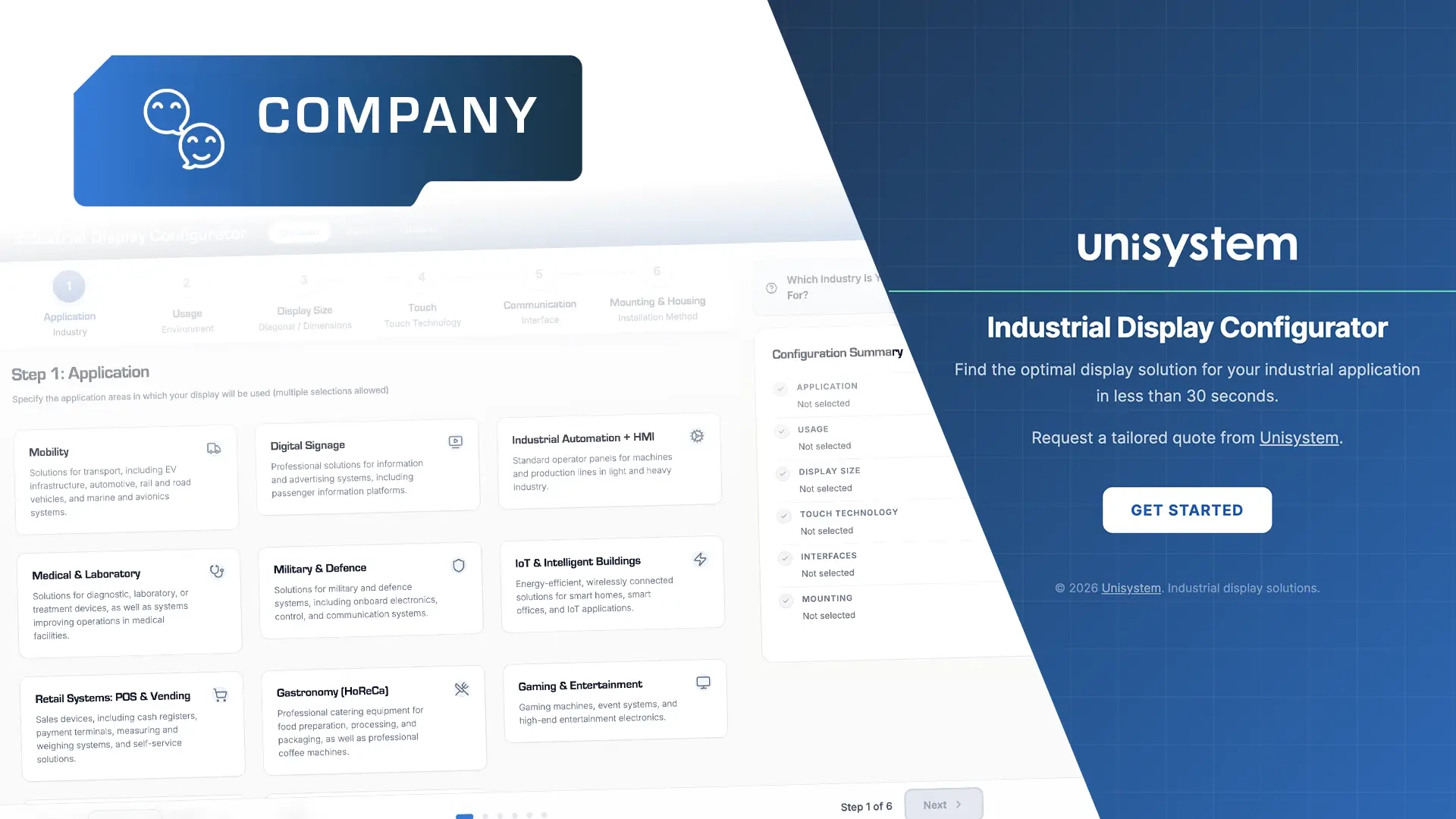
In the world of industrial displays, the selection process is rarely straightforward. The wide variety of display technologies, dozens of technical parameters, and hundreds of models identified by different part numbers make finding the right solution a real challenge. Yet this choice often has a direct impact on the functionality, reliability, and final quality of the entire device. To simplify this process, we are putting into our customers’ hands a proprietary tool developed by the Unisystem team – a product configurator designed to support faster and more accurate display selection for specific applications.
The Unisystem product configurator was created to streamline the process of selecting the right display for a device under development. Instead of searching through catalogues and analysing extensive specifications manually, the user follows a logically designed selection path. Step by step, the tool translates the requirements of a specific application into key technical parameters and matched product options.
From many options to one well-matched choice
When designing a device, selecting the right display depends on many factors. These include size, environmental conditions affecting the required brightness, mounting method, communication with other components, and the way the device will be operated. It is precisely the need to balance these interrelated factors that makes choosing the right solution a process that requires a structured approach.
In practice, the difficulty often lies not in the lack of available solutions, but in the sheer number of possible variants. Among thousands of models, it is not easy to identify those that truly meet the requirements of a specific project without the support of an experienced expert. Our product configurator brings clarity to this process. It was developed based on the Unisystem team’s experience and on the questions that regularly arise in conversations with customers at the display selection stage. These questions were translated into successive steps of the product configurator, allowing the customer to move through the process intuitively while providing the most important information about the device being developed.
Context also plays an important role. Each stage of the configuration process has been supplemented with practical guidance that helps users interpret individual parameters correctly. For example, when selecting display size, we explain the two most common ways of describing it: by diagonal size expressed in inches and by external dimensions given in millimetres.

As a result, selecting the right display is no longer a series of random decisions, but a conscious process of matching products to the requirements of a specific application.
Three operating modes – tailored to the user’s level of expertise
One of the key features of the product configurator is its flexibility – rather than enforcing a single selection method, the tool adapts to the user’s level of experience and the level of detail required by the project by offering three operating modes: Standard, Expert, and Custom.
Standard mode
Standard mode is intended for users who know their application very well but do not need specialist knowledge of display technologies. Instead of analysing complex technical parameters, the user focuses on the application context: the operating environment, the way the interface will be used, or how the module will be integrated into the device. The product configurator guides them through each stage of the selection process, helping define requirements and identify the right solution.

Go to Standard mode.
Expert mode
Expert mode was designed for users who are familiar with the basic display technologies, understand the key parameters, and want to narrow down the results more precisely. It allows users to define criteria such as display technology (LCD, OLED, or EPD), brightness, communication interface, operating temperature, or mounting method. This makes it easier to match the solution to the requirements and architecture of a specific device.

Go to Expert mode.
Custom mode
Custom mode was created for projects in which the products available in the portfolio do not fully meet the application requirements. The user can describe the application in a broader context, indicate the expected project scale, and attach supporting materials such as CAD drawings, schematics, or photos. As a result, the most important information is collected from the very beginning, making it easier to take an individual approach to the project and reducing the need for further clarification.
Go to Custom mode.
The product configurator as a result of the Unisystem team’s years of experience
A project involving a display is not just about selecting a component – it is a complex design process that requires experience and an understanding of potential challenges. On a daily basis, we work on solutions that go beyond display selection alone – we design complete visualisation systems that combine displays with electronics, mechanics, and software, always with the specific application and its operating conditions in mind. This gives us a clear understanding of what to pay attention to and how to respond to challenges before they become real problems.
This approach has been built into our product configurator. The tool reflects the way our engineering team works: it guides the user from the project context and assumptions to a specific solution, rather than starting with a list of potential products.
Try the Unisystem product configurator and see how, step by step, it helps you refine your requirements and narrow down the selection of suitable solutions: https://configurator.unisystem.com/.
If you have any questions while using the tool or would like to share your feedback, write to us at: biuro@unisystem.com.